

Video tutorial
In Fillout, you can even filter which records a respondent is choosing from. Here’s how.Enable dropdown filtering
1
Create a linked record picker field
On the Airtable base you plan to write or update, click 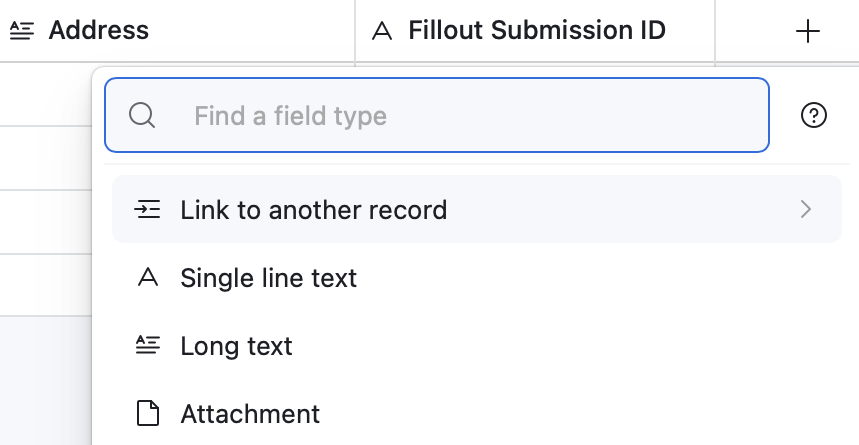
+ followed by Link to another record.2
Connect to Airtable
Click
Integrate on the top menu followed by Airtable. Then, choose your base and table.3
Add the field to your form
On the left-hand panel, drag and drop the linked record picker field onto your form. You’ll immediately be able to pick from records in that associated table.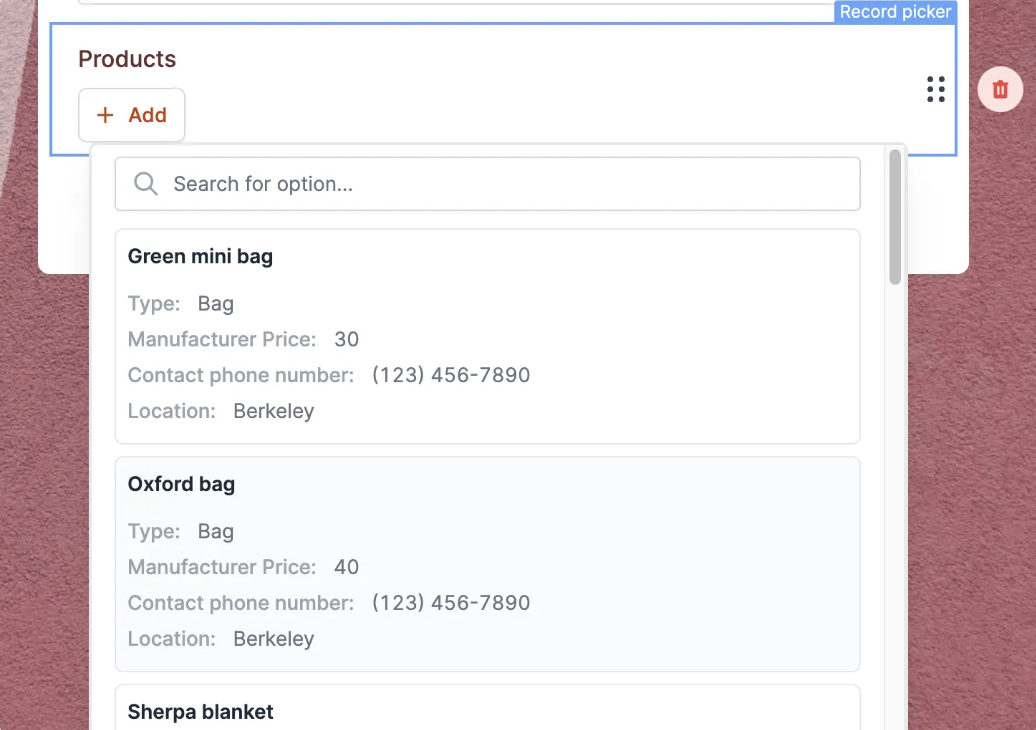
4
Add filters
Click the field’s to open the right-hand panel. Scroll down to Advanced to 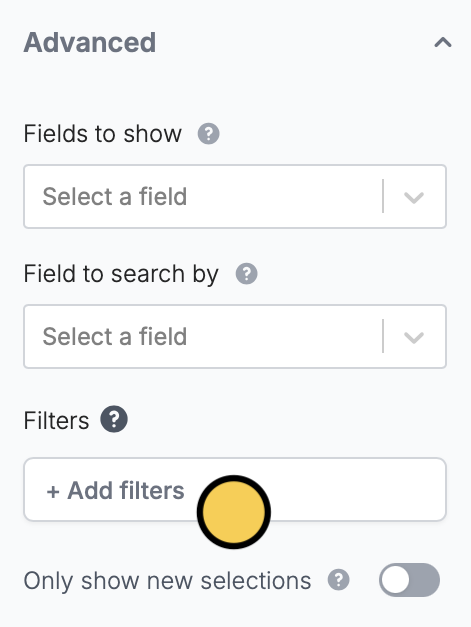
+ Add filters.5
Publish and share
Publish your form to make the changes reflect.Additional custom options
Now, you can customize this field with many options like:- Allow respondents to create new entries in a new (customizable) form
- Allow selecting multiple linked records
- Select which fields to show (can show images!)
- Limit to a view
- Pick which field to search by
- Filter which records to show based on form inputs or dynamic data
- And many more!
Related articles
Create new linked records
Let respondents create records from your form.
Update Airtable records
Edit existing records and pre-fill fields.
Working with linked record pickers
Set pre-fills, reference fields, and more.