

What is Google Ads
Google Ads is a platform that enables businesses to display ads on Google’s search results and other affiliated websites. It offers a powerful tool for businesses to reach their target audience, increase visibility, and drive traffic to their websites.Why upload form conversion data to Google Ads?
Uploading form submission conversion data to Google Ads lets you measure the effectiveness of your ad campaigns in driving desired user actions, such as lead generation for specific ad clicks. Furthermore, with enhanced conversions, you can improve conversion measurement accuracy, providing more data for optimizing your ad strategies automatically.The Google Ads integration is part of the conversion kit paid add-on. Learn more and get started here.
Enable Google Ads tracking for your form
1
Open form settings
Click on the upper right area followed by 
Conversion kit in the left-hand panel.2
Track Google Ads
Click Google Ads followed by 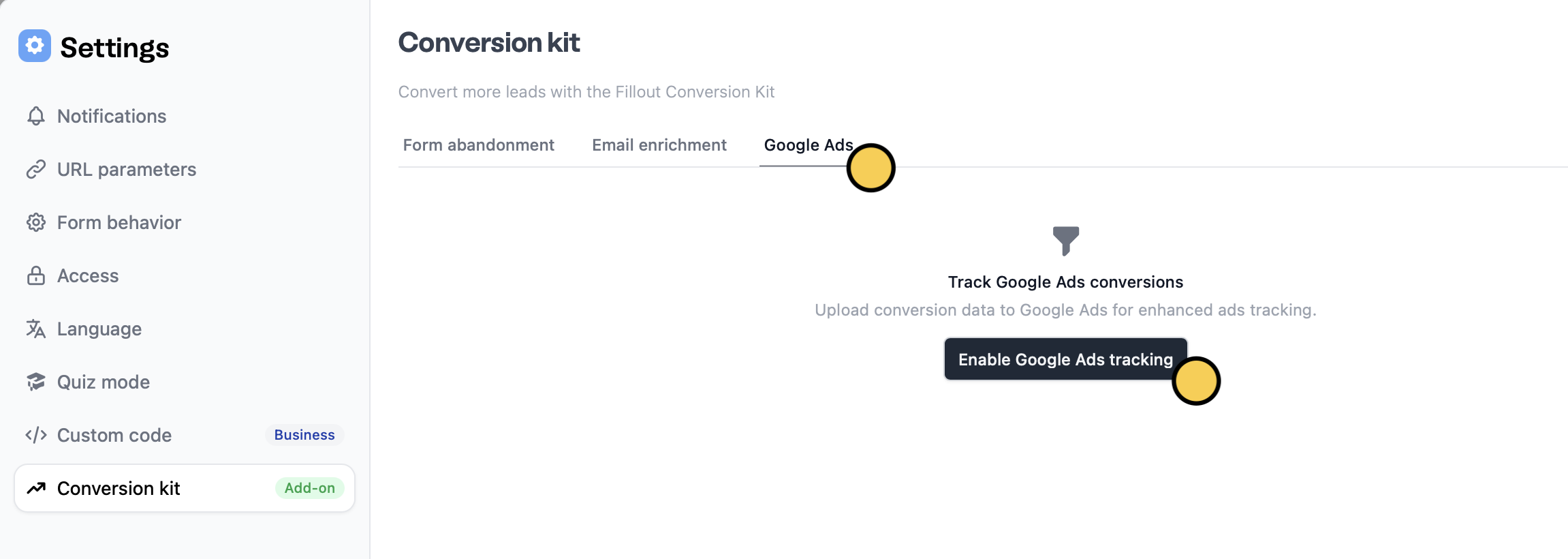
Enable Google Ads tracking. This collects the GCLID parameter from the landing page URL when someone submits your form after clicking a Google Ad.3
Publish and share
That’s it!
Publish your form to reflect the recent change.Upload conversion data to Google Ads
You can use enhanced conversions for leads by updating Google Ads with your latest submission data to improve tracking and campaign outcomes.1
Enable uploading
After following the steps above and enabling tracking, 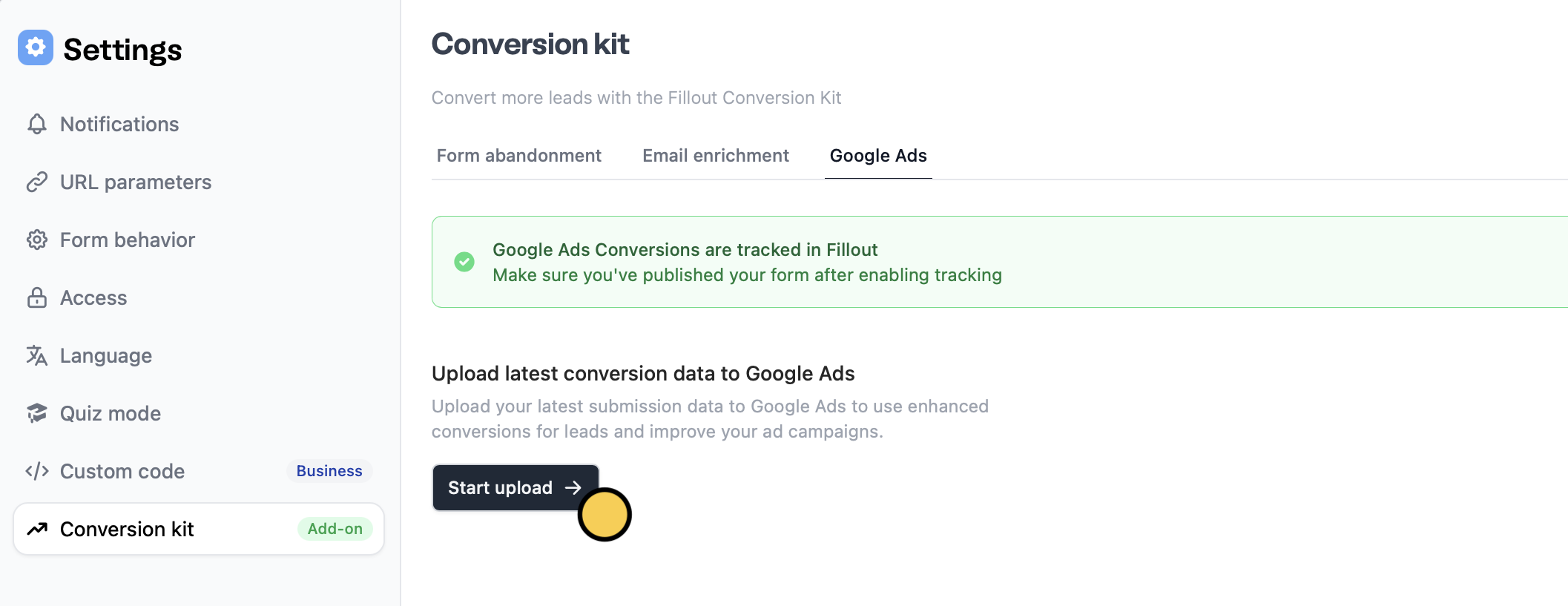
Start upload.2
Choose a conversion name and value
Enter the details below.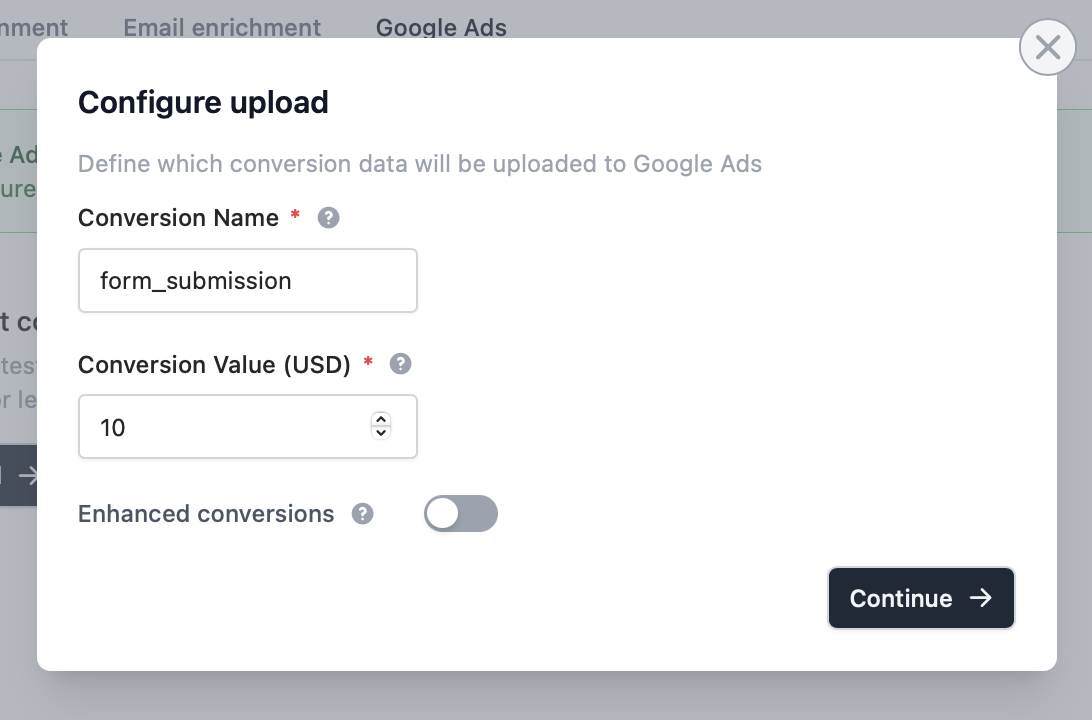
3
Enable enhanced conversions (Optional)
Enhanced conversions can give you more accurate tracking and better bidding results. Learn more here.Toggle the 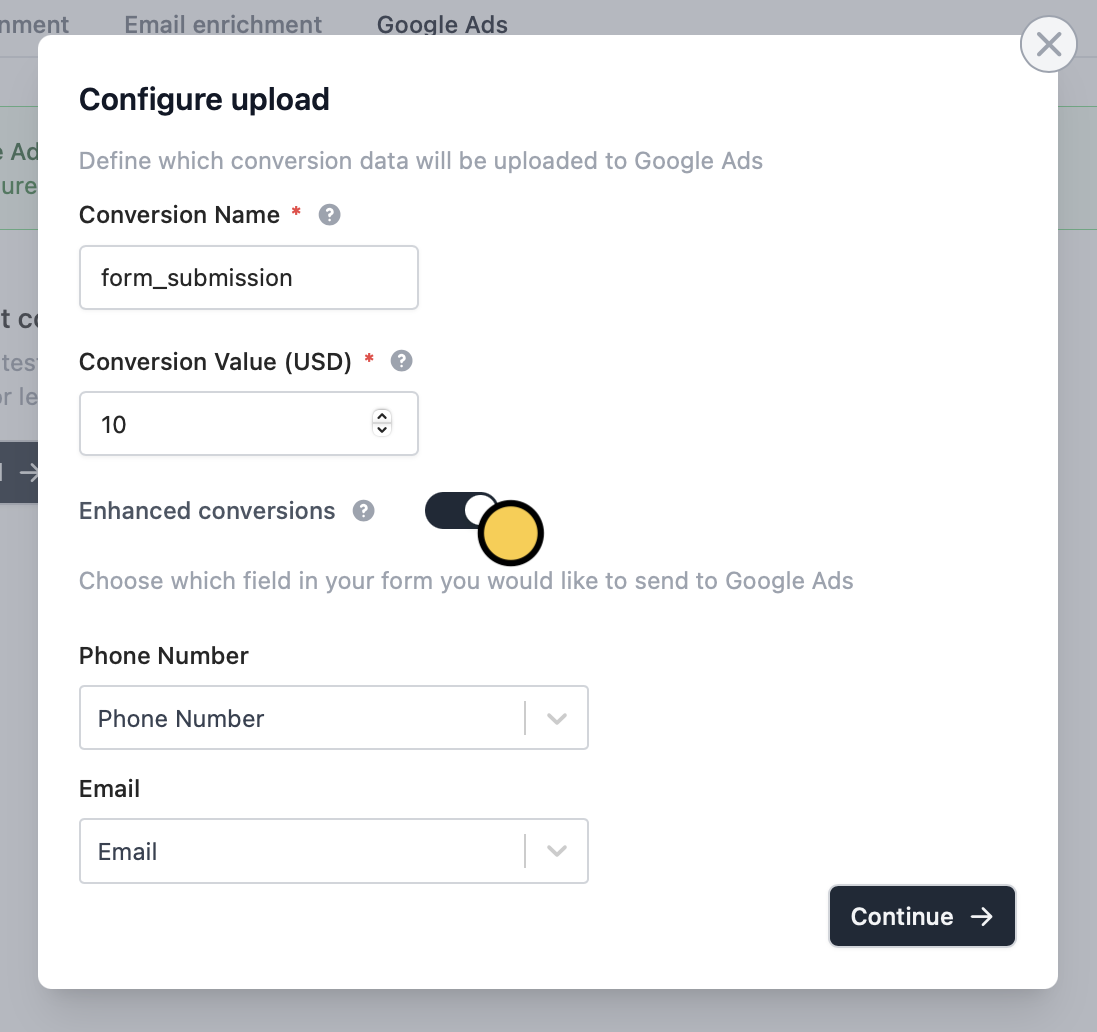
Enhanced conversions switch. Then, select the question you wish to pull data from for Phone Number and Email fields.4
Export CSV
Download CSV to export a pre-formatted file with all the necessary conversion data.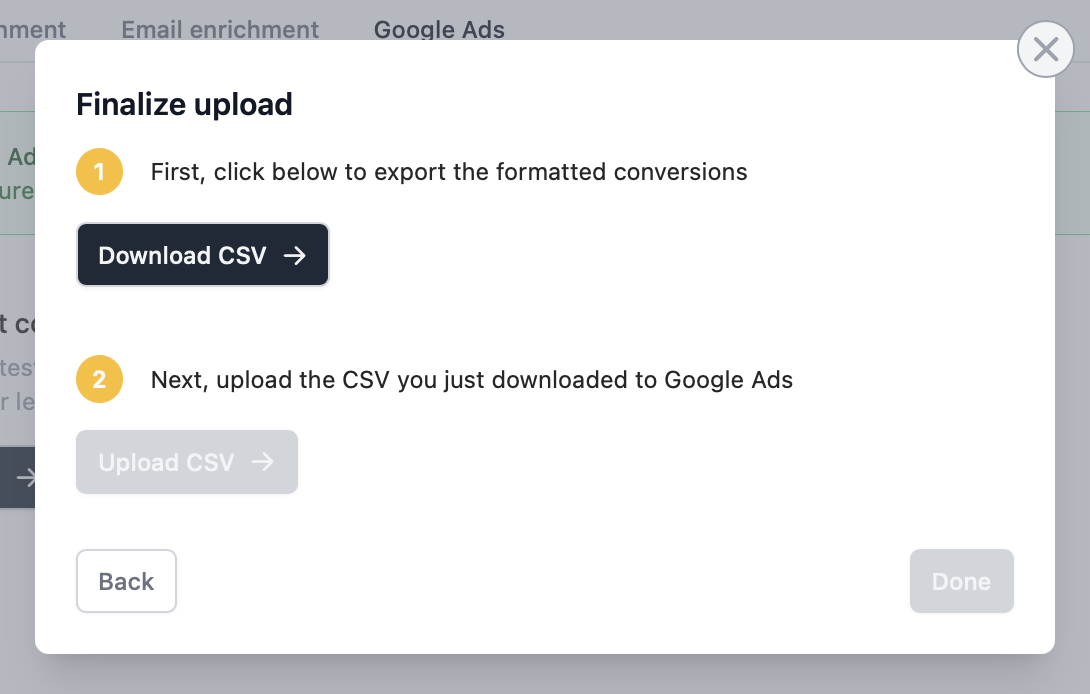
5
Upload CSV to Google Ads
Then, 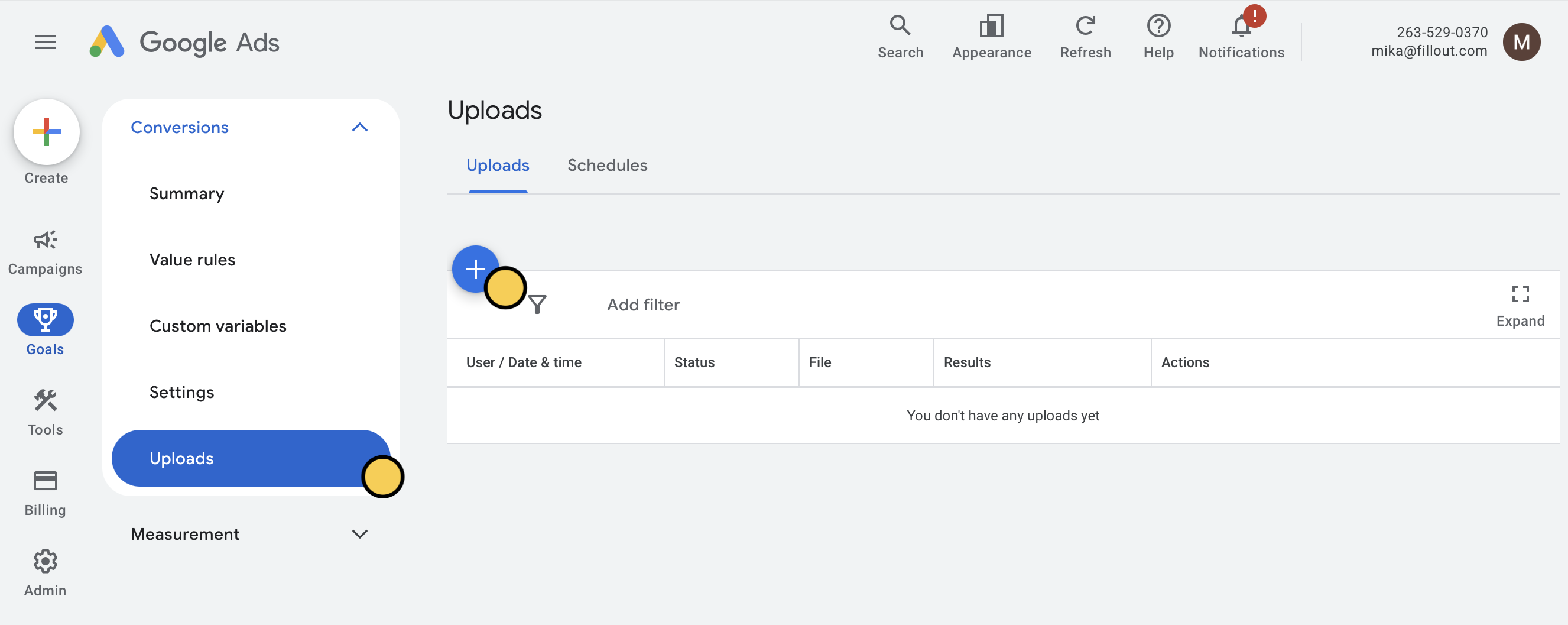
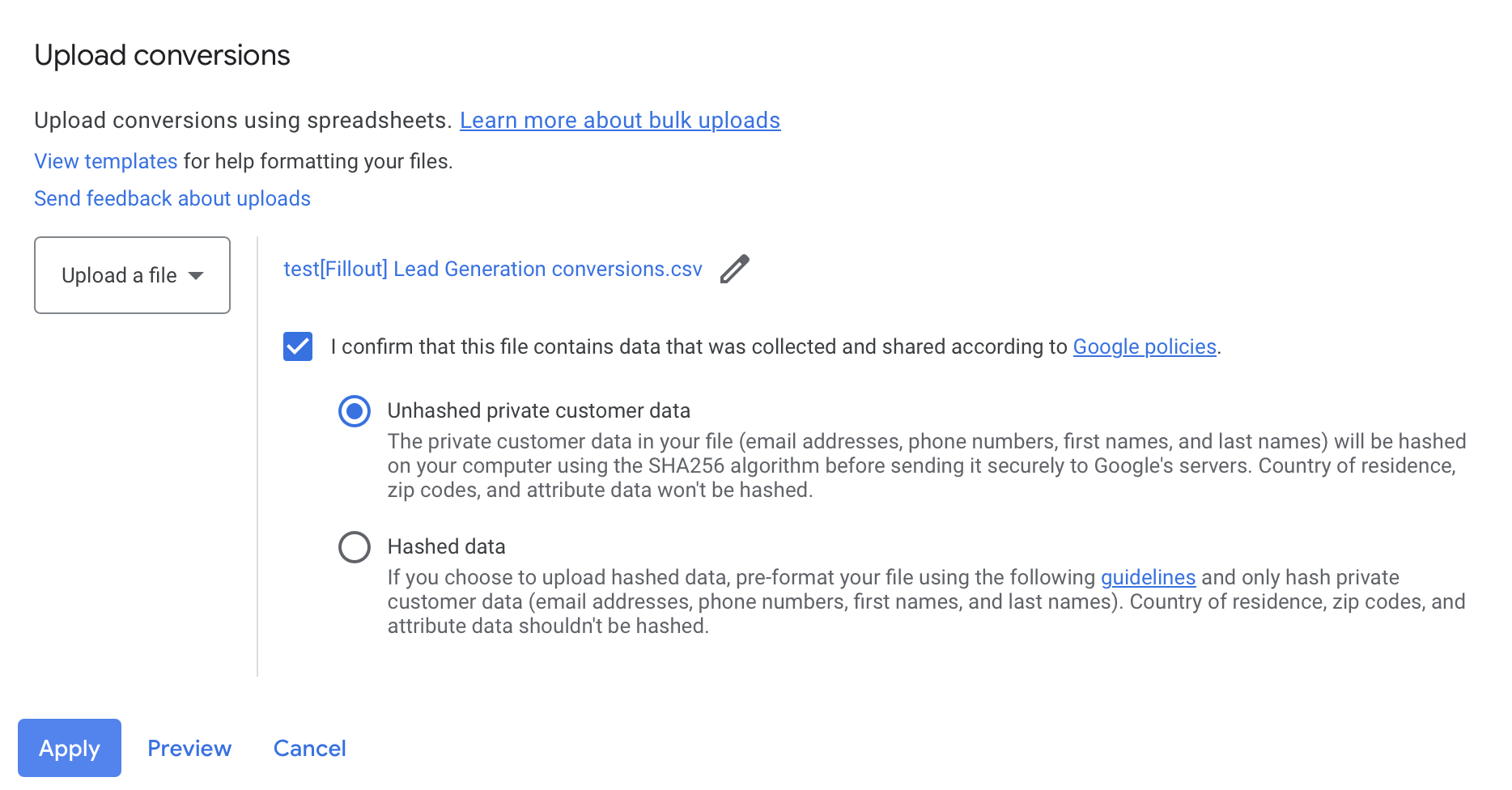
Upload CSV and select your Google Ads account in the Google Ads dashboard. On the left-hand panel, go to Goals. Then, click Uploads followed by .Upload a file as the source. Select the file you just downloaded and choose Unhashed private customer data.6
Publish and share
Remember to
Publish your form to reflect the latest change.Automatic uploads to Google Ads
This feature is planned but not yet available.Related articles
Conversion Kit
Enrich and validate emails, route leads, and more.
Track data with Google Tag Manager
Check conversions and ROI through responses.