

What is Trello?
Trello is a tool that helps you organize tasks and projects using visual boards and lists. It allows team members to easily collaborate and manage their work.How it works
1
Link your Fillout form to Trello
Click 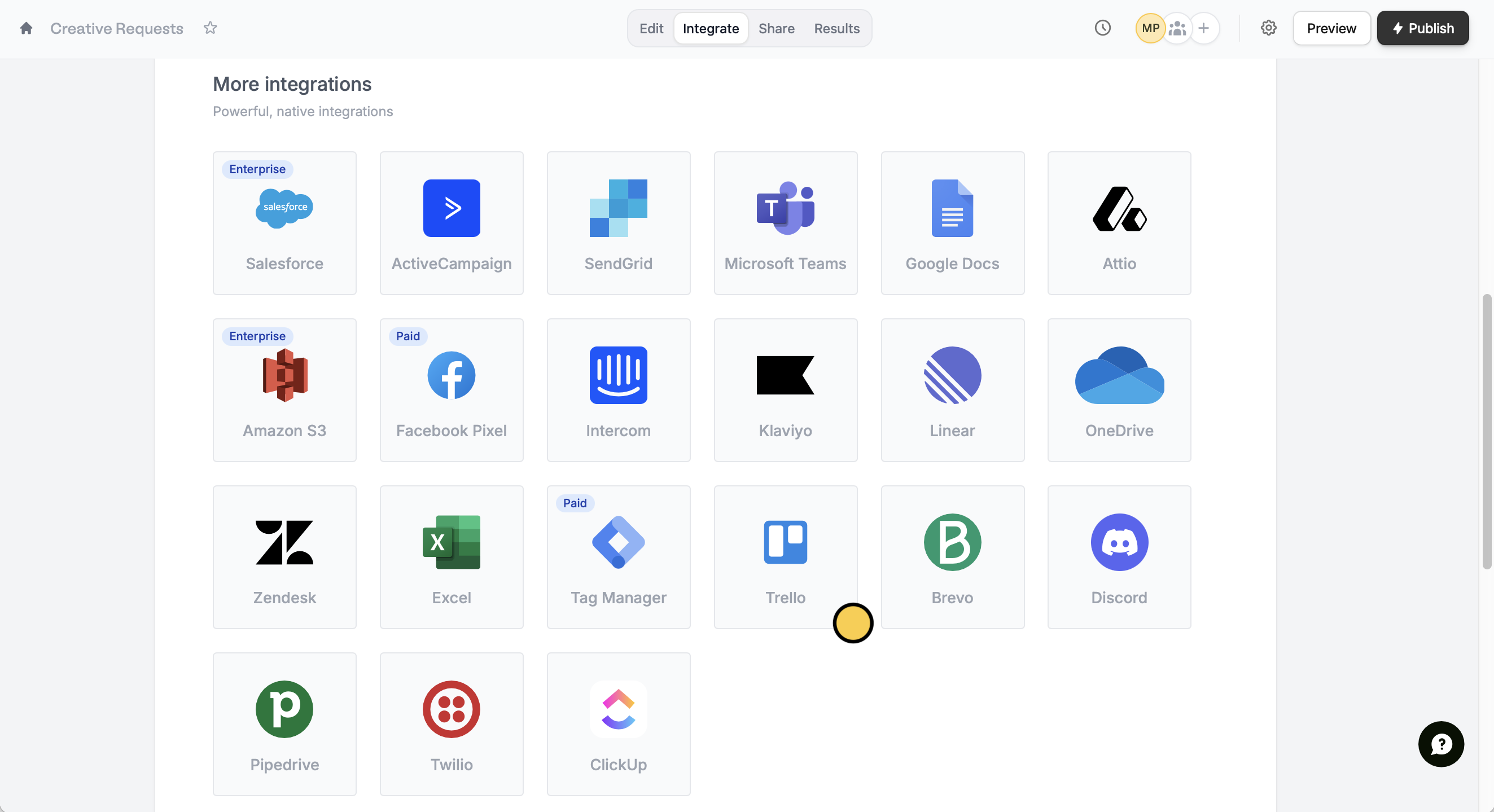
Integrate on the top menu and look for Trello.2
Reference form fields
First, select a board and a list. Then, reference fields by clicking or typing @. You can enter text for the Card title and Card description, if needed.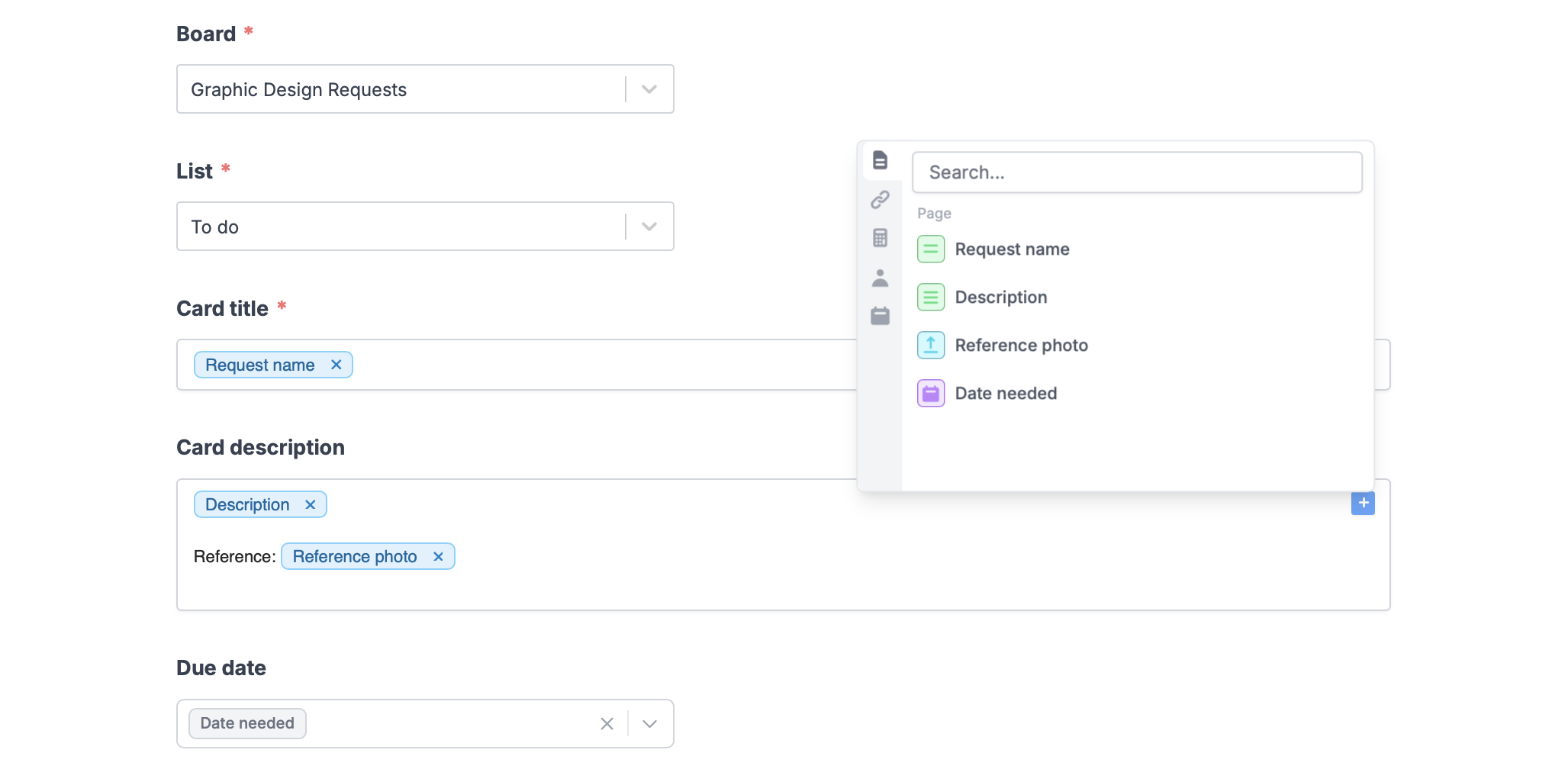
3
Publish and share
Once your form’s all good, click
Finish setup on the upper right corner followed by Publish. Now, you’ll see a new card in your Trello board for every new form submission.Create issues based on conditions
You can choose to create certain types of issues only when a condition is met. For example, create cards for different lists depending on what respondents specify in the form. More details here.Other similar integrations
Turn requests into Linear issues
Create and manage issues with a form.
Sync responses to Monday
Use a form to create leads and more.