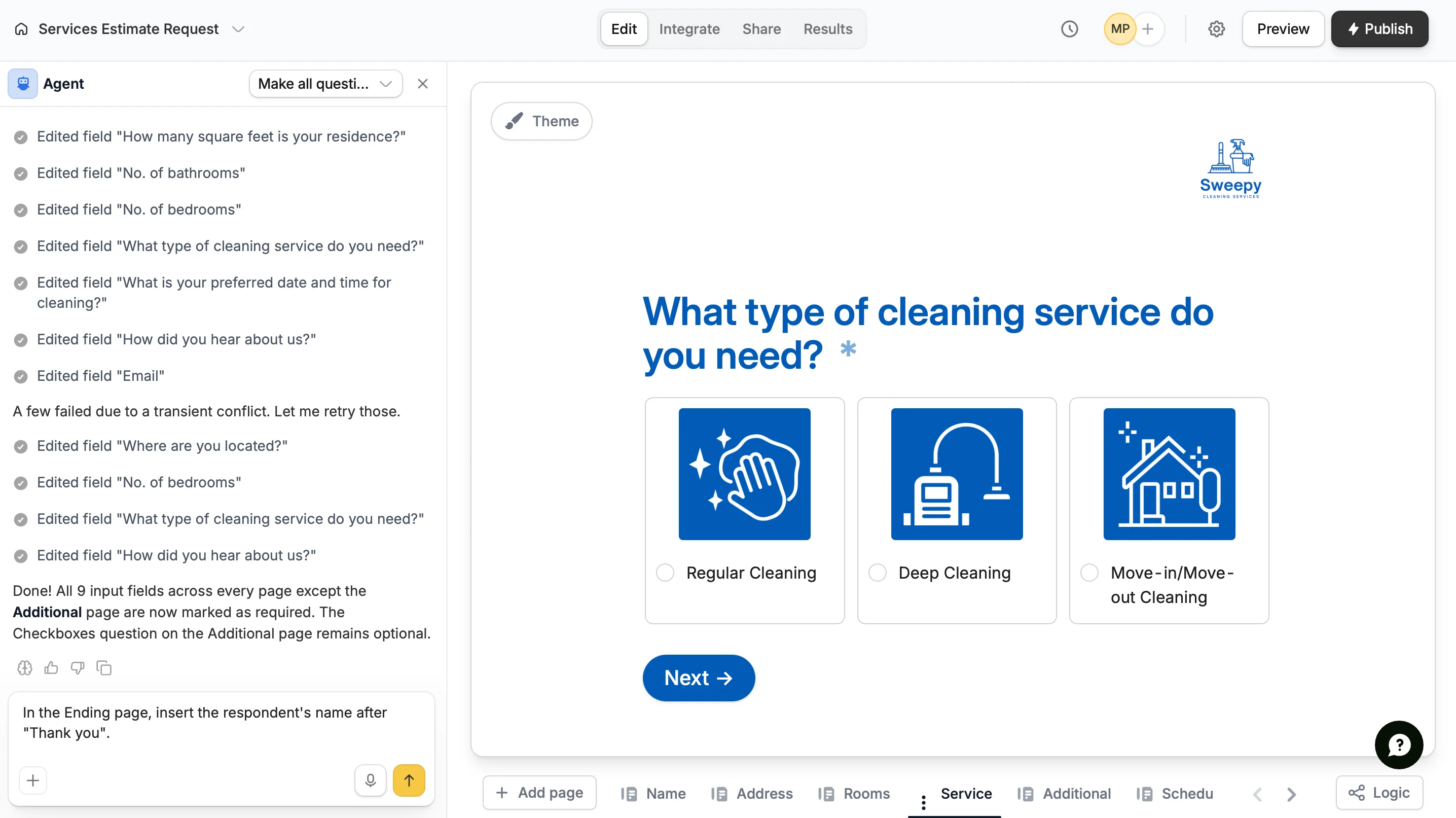
Built into the Fillout form editor, Form Agent is an AI-powered feature that lets you generate forms and manage existing ones. Describe what you need, and Form Agent will make the changes for you. You can also ask questions and get suggestions.
Form Agent can’t add login pages or scheduling pages, including Calendly and Cal.com. It also can’t connect integrations, change how fields are mapped to them, or change the form’s settings. You can do all of these in the form editor.If you need more than a form, like a portal, a dashboard or an app your team works in, build a Zite app instead.
Every message you send to Form Agent uses credits. On the Zite Free plan, there’s also a limit on how many messages you can send each day: 10, or 15 if you signed up through a referral, or 20 if you signed up with a work email. Paid Zite plans and the Team plan don’t limit messages.Form Agent uses the credits from your organization’s Zite plan. Fillout plans don’t include any credits. The Team plan includes them because it comes with Zite Business. If you don’t pay for Zite, your credits come from the Zite Free plan. Credits are shared across Fillout and Zite, so using Form Agent reduces the credits available for your Zite apps, and vice versa.Once you’ve used all of your monthly credits, you won’t be able to send more messages until your credits reset or you choose to upgrade your Zite plan. On the Zite Free plan, credits reset on the 1st of each month. On a paid Zite plan, they reset every month on your billing date. If you are an admin, you can check your remaining credits on the Billing & usage page.
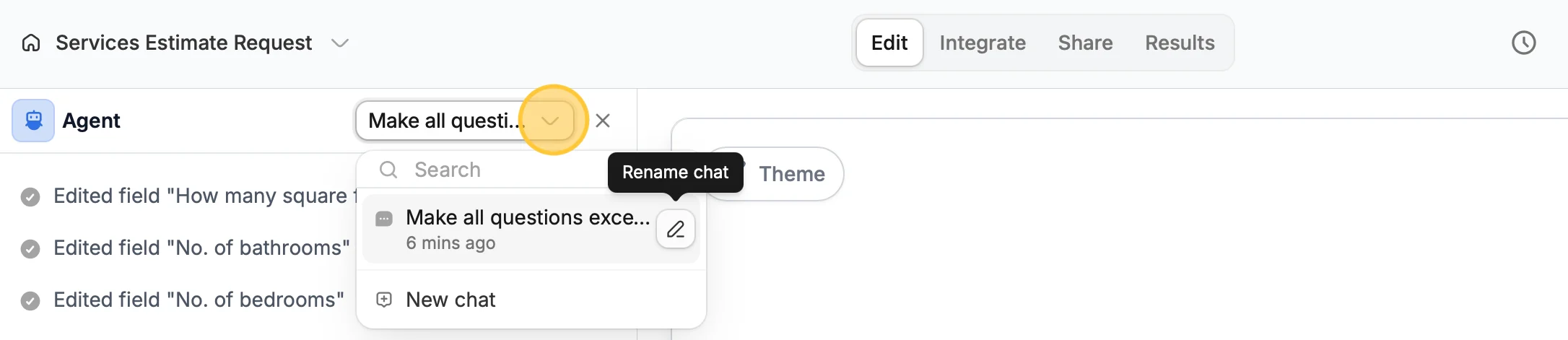
Click the dropdown on the top right of the Agent panel to view conversations with the Agent. From here you can create a New chat or Rename chat by clicking the writing pen icon .