

Enable duplicate prevention
1
Link your form to Airtable
In the 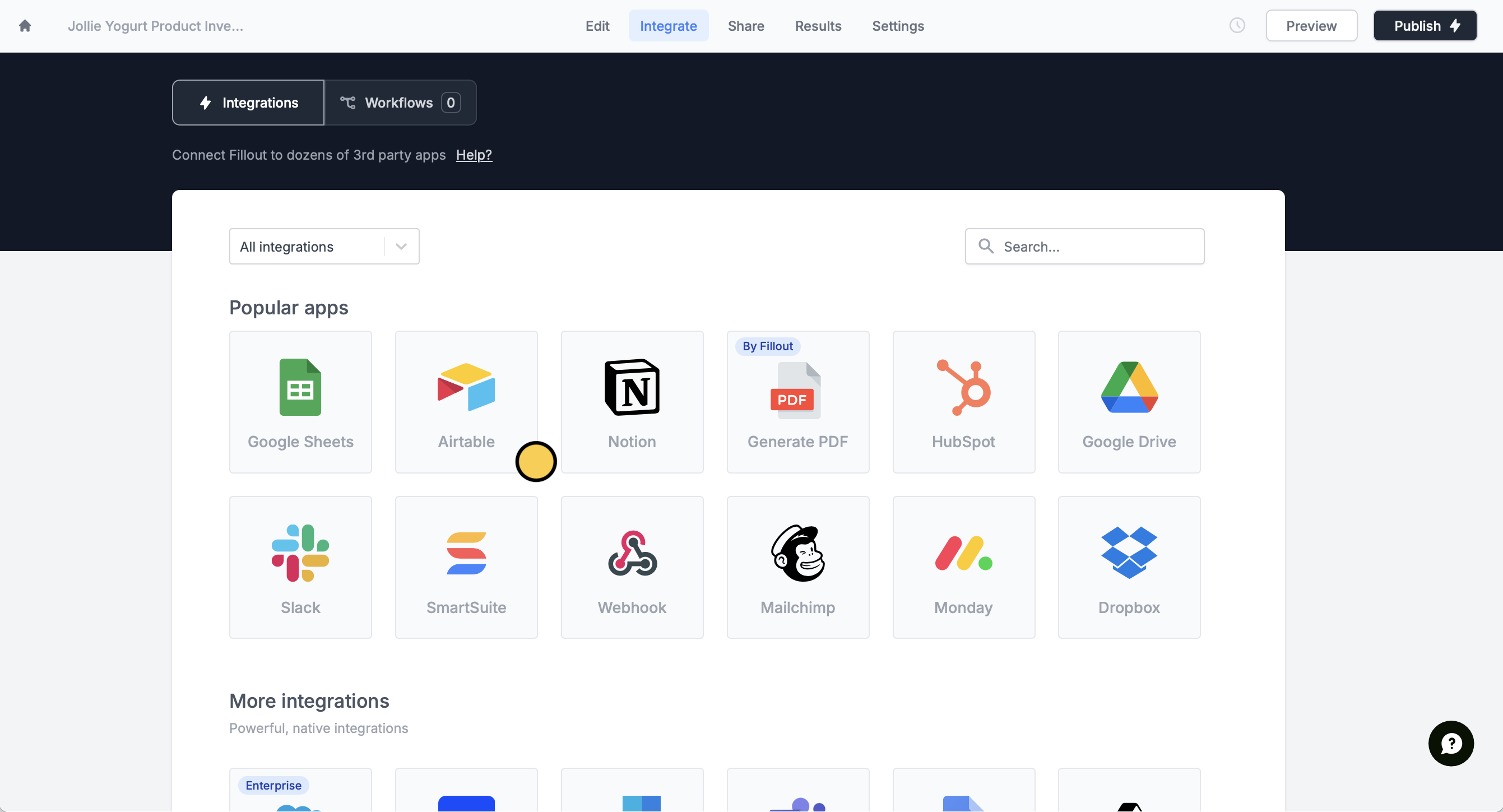
Integrate page, select Airtable. Then, connect to your Airtable account if you haven’t yet.This feature is available to Business and Enterprise users. For more details on pricing, click here.
2
Turn on duplication prevention
Under Advanced, enable the 
Prevent duplicates? toggle.3
Publish and share
That’s it! Your form will no longer create duplicate entries. Make sure to
Publish your form to make the changes reflect.Airtable specific guides
Add signatures to Airtable
Upload signatures from a custom Fillout form.
Airtable Scheduling
Schedule meetings and sync them directly to Airtable.
Collect payments with Stripe
Create new records for every purchase.