

What ClickUp is
ClickUp is an all-in-one productivity platform that helps teams and individuals manage tasks, projects, and workflows in one place. It offers features like task management, document collaboration, goal tracking, and automation to streamline work efficiently.How it works
1
Link your Fillout form to ClickUp
Open your Fillout form or create a new one. Head to the Integrate page and look for 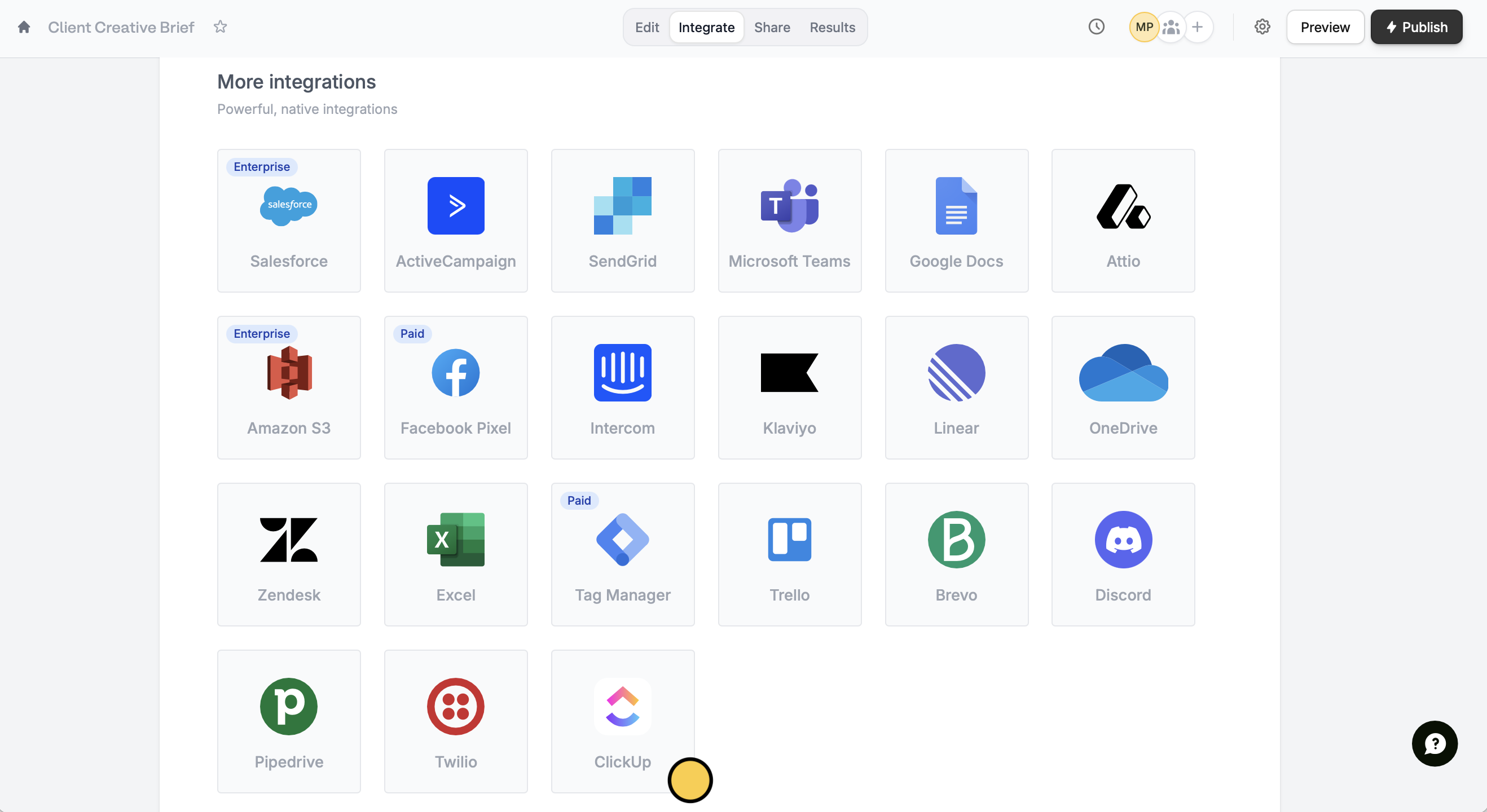
ClickUp. Then, connect to your account.2
Map your form fields
Your ClickUp fields will automatically show up on the left-hand panel of your form editor. Simply drag and drop these to your form.Alternatively, click 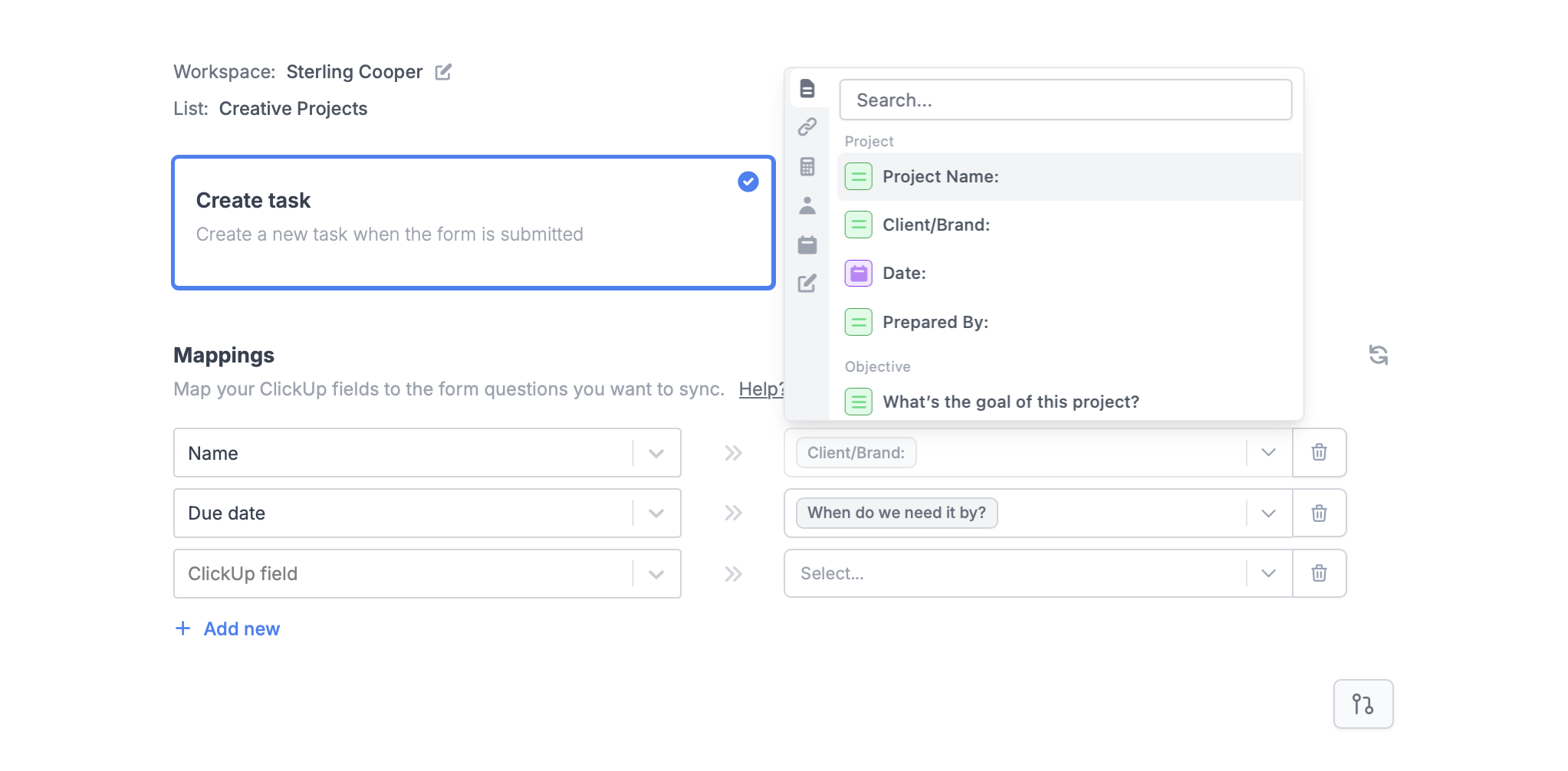
+ Add new in Mappings to reference ClickUp fields from the left to Fillout form fields on the right.3
Publish and share
Once your form’s all good, click
Finish setup on the upper right corner followed by Publish. Now, you’ll see a new task in your ClickUp list for every new form submission.Create tasks based on conditions
You can choose to create certain types of issues when a condition is met. For example, create cards for different lists depending on what respondents specify in the form. More details here.Other similar integrations
Add cards to your Trello board
Create new cards on Trello with a form.
Sync form responses to Monday
Use a form to create leads and more.
Turn requests into Linear issues
Create and manage issues with a form.