

How it works
1
Go to the AI Form Maker
On Fillout, scroll to the bottom of the page, and click AI Survey Maker.
2
Choose how you want to create your survey
Enter the type of survey you need, add your questions, or start from an existing one.Describe surveyType your survey description or use a sample, then click 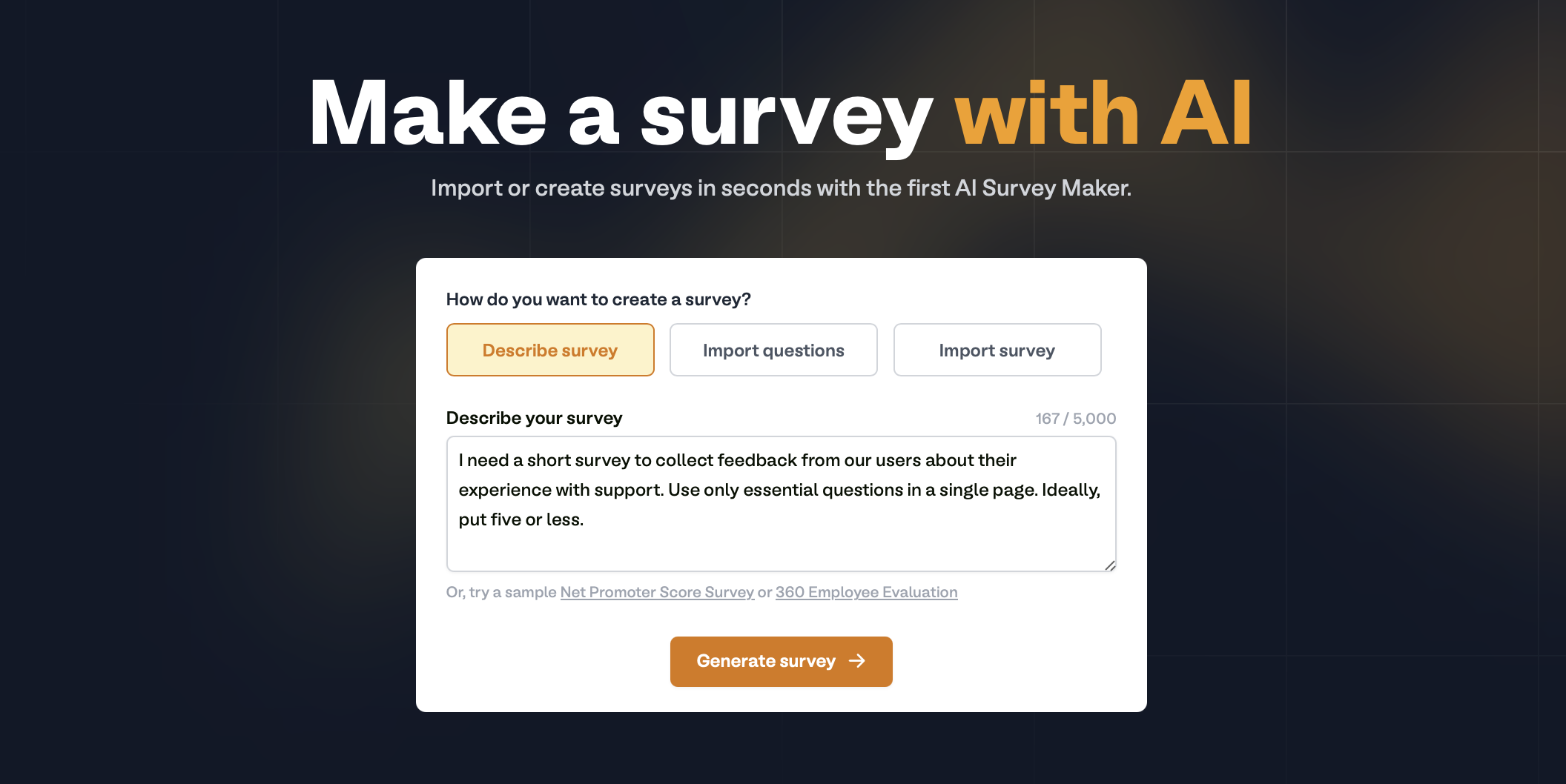
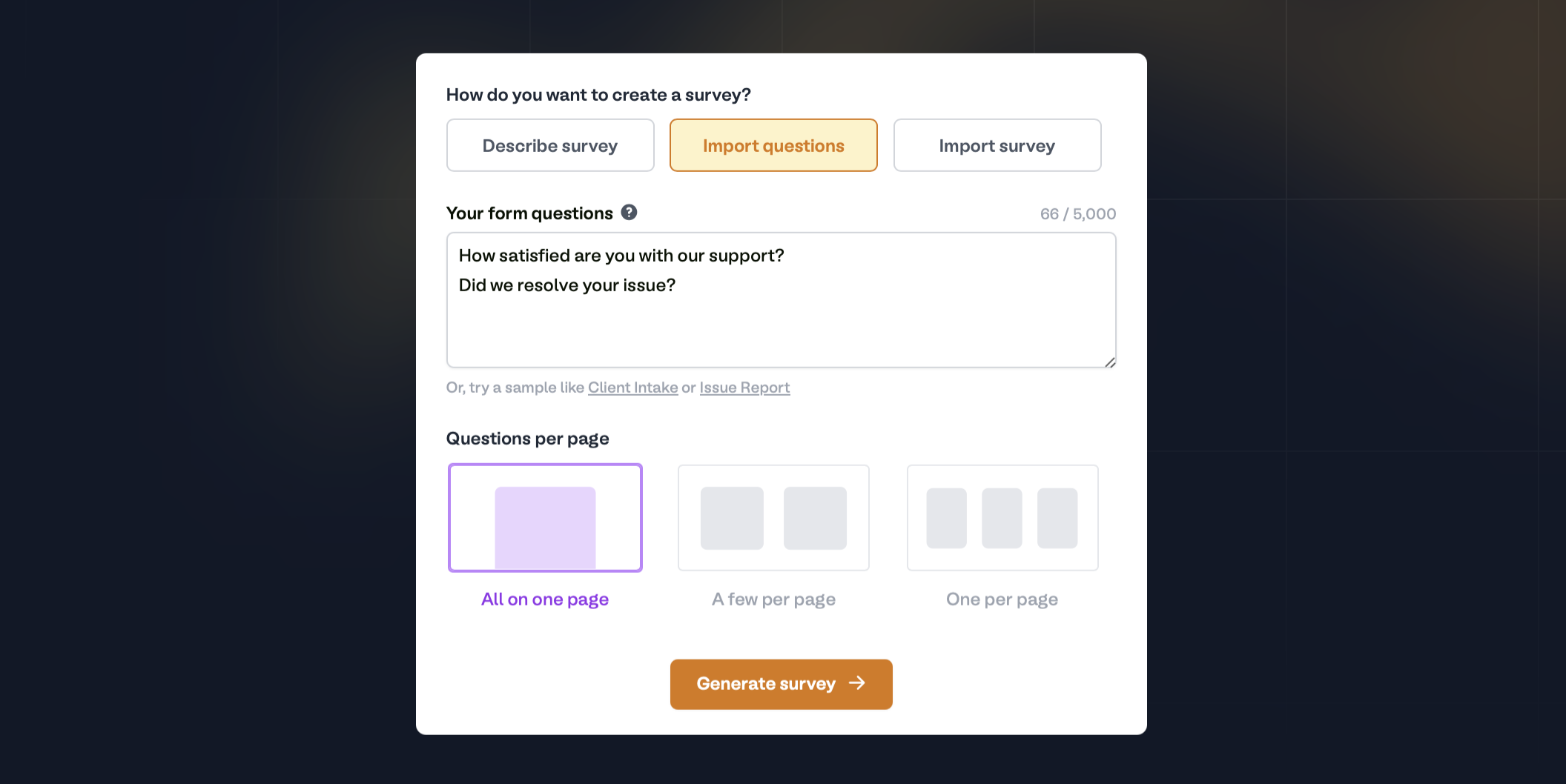
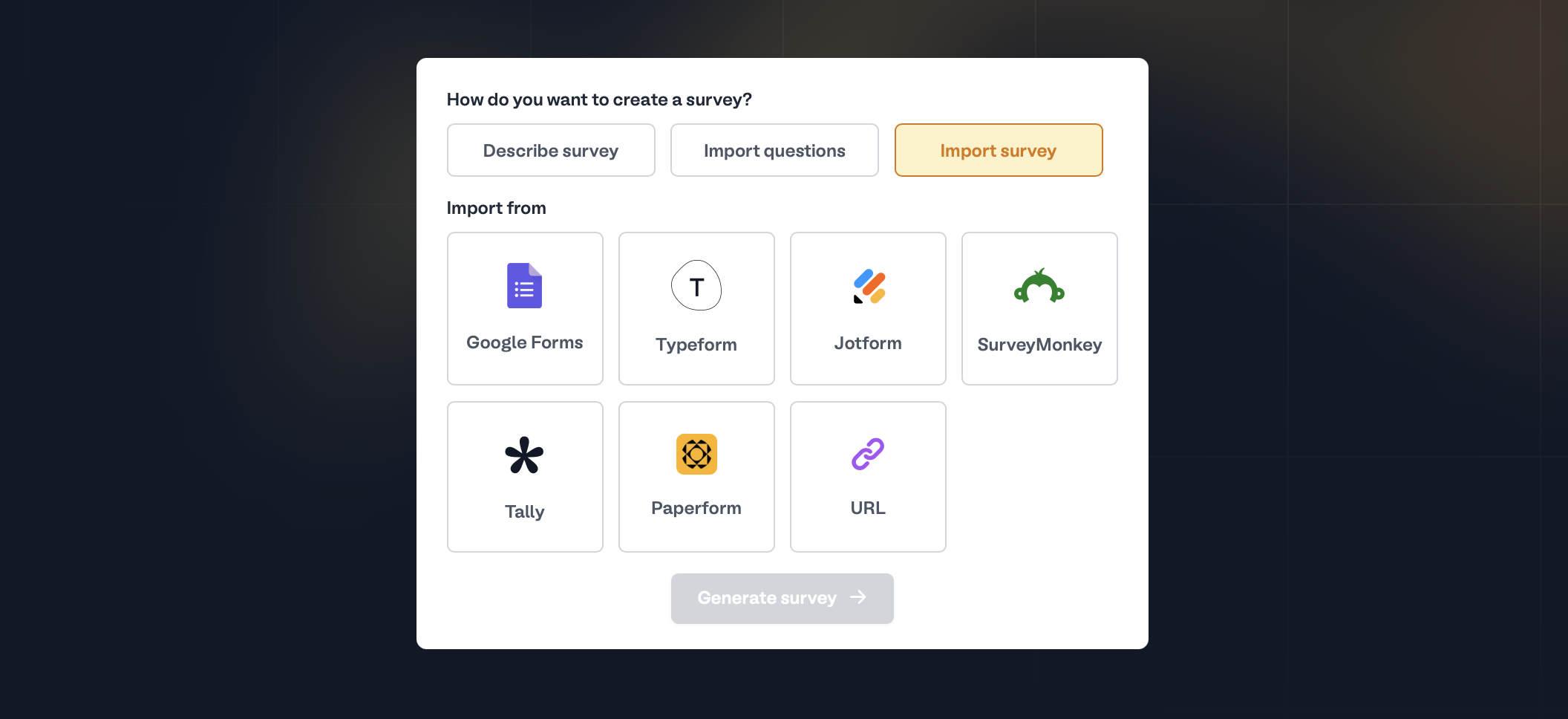
Generate survey.You can bulk import forms, including their responses.
3
Customize your AI survey
Style your survey, require and reorder questions, add logic, and more. Then, click 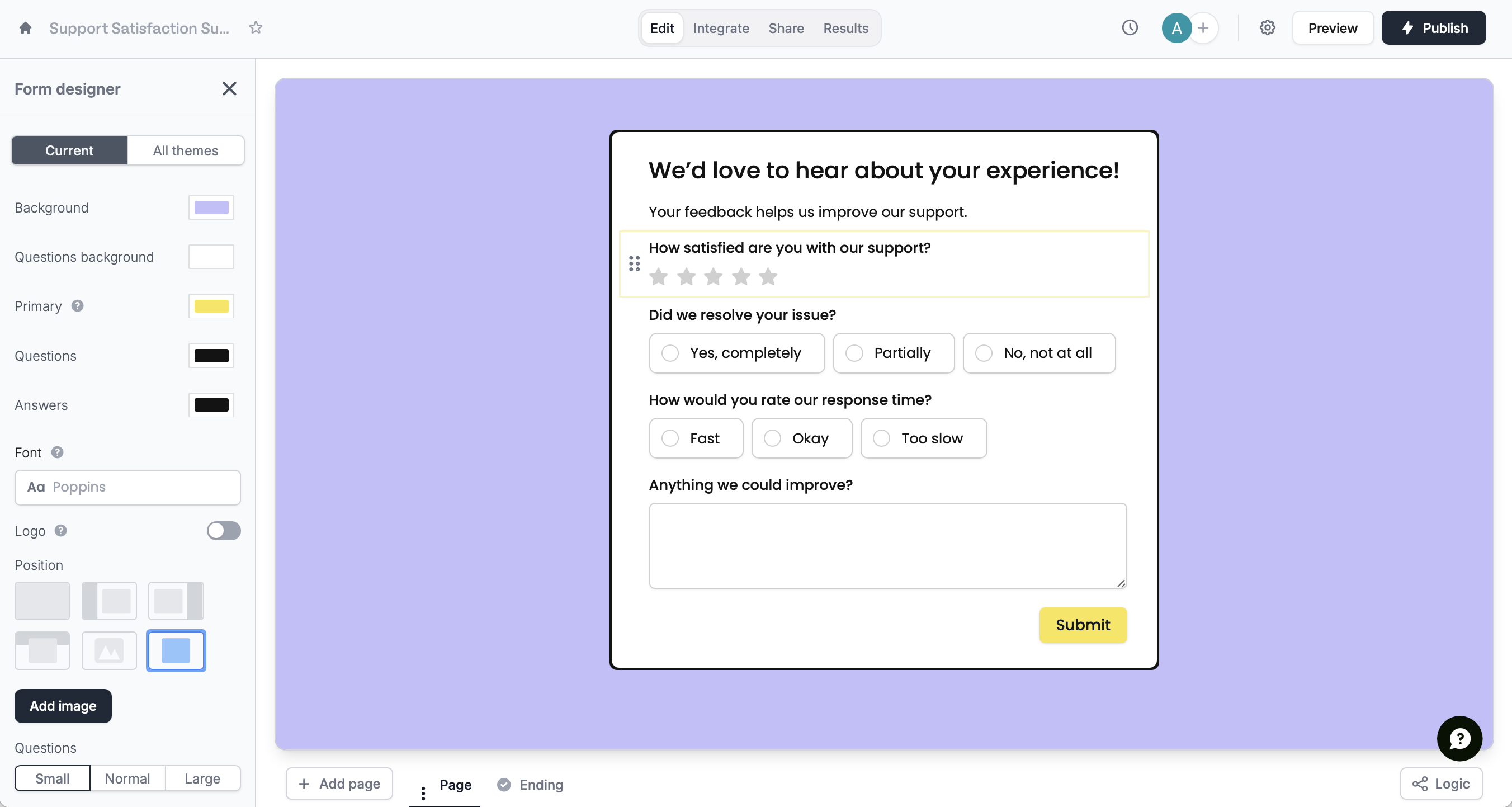
Publish in the upper right corner to share your form via link or embed.Related articles
Themes
Select from hundreds of themes or create your own.
Reorder with drag and drop
Easily arrange pages and field options.
Page logic
Hide or show pages or custom endings based on respondent input.