

Overview
Fillout supports making forms in dozens of languages:Arabic
Catalan
Croatian
Chinese (Simplified & Traditional)
Czech
Danish
Dutch
English
Filipino
Catalan
Croatian
Chinese (Simplified & Traditional)
Czech
Danish
Dutch
English
Filipino
Finnish
French
German
Greek
Hebrew
Hindi
Hungarian
Icelandic
Indonesian
French
German
Greek
Hebrew
Hindi
Hungarian
Icelandic
Indonesian
Italian
Japanese
Korean
Nepali
Norwegian
Polish
Portuguese
Romanian
Russian
Japanese
Korean
Nepali
Norwegian
Polish
Portuguese
Romanian
Russian
Serbian
Sinhala
Slovak
Spanish
Swedish
Turkish
Ukrainian
Urdu
Vietnamese
Sinhala
Slovak
Spanish
Swedish
Turkish
Ukrainian
Urdu
Vietnamese
Translations are available on the Fillout Business plan, and on Team and Enterprise. Zite Free, Pro and Business plans don’t include them for forms. See Fillout pricing.
How it works
Fillout gives you two ways to control the language of your form. You can change the Default language to set the language used for system messages throughout the form, or enable translations to let respondents access the same form in multiple languages. If respondents have enabled Google Translate, you can also disable this automatic translation from the same language settings.Video overview
How to change form language
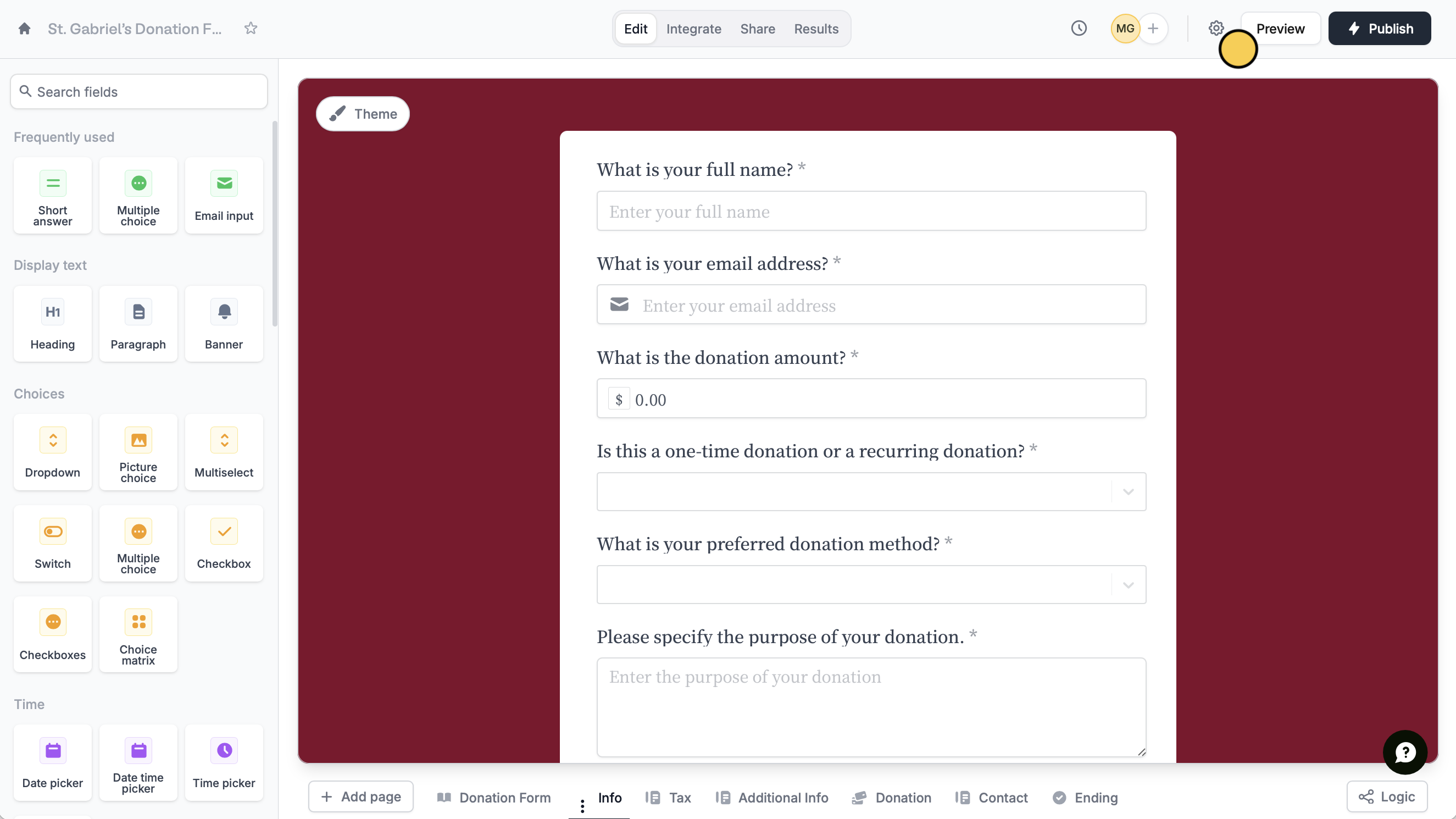
Open your form settings by clicking thesettings icon on the upper right area.
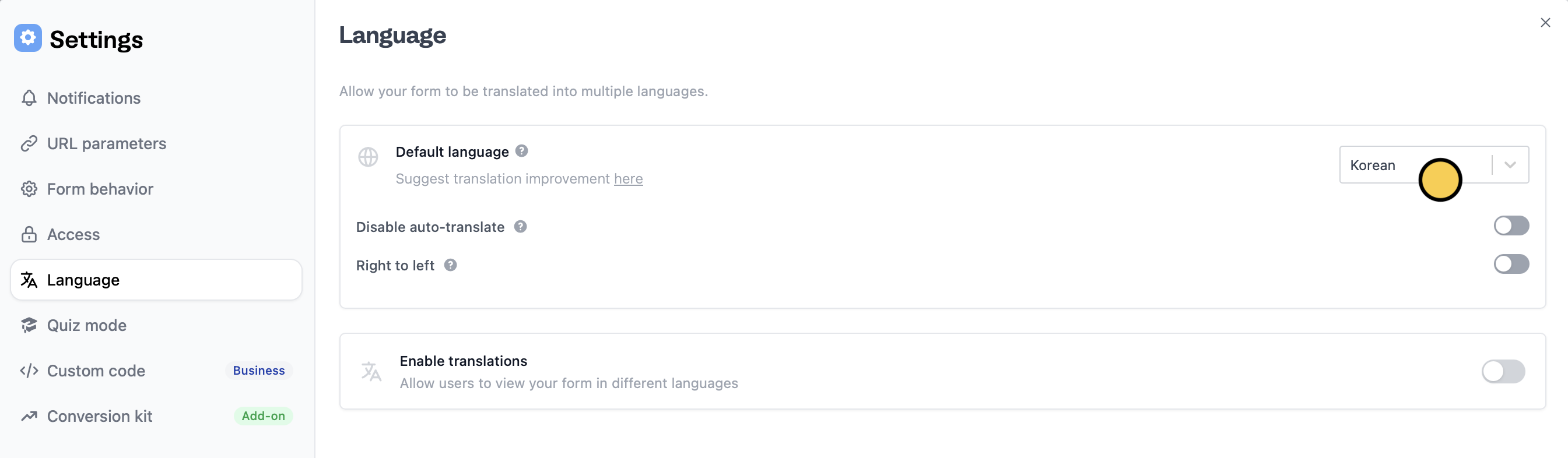
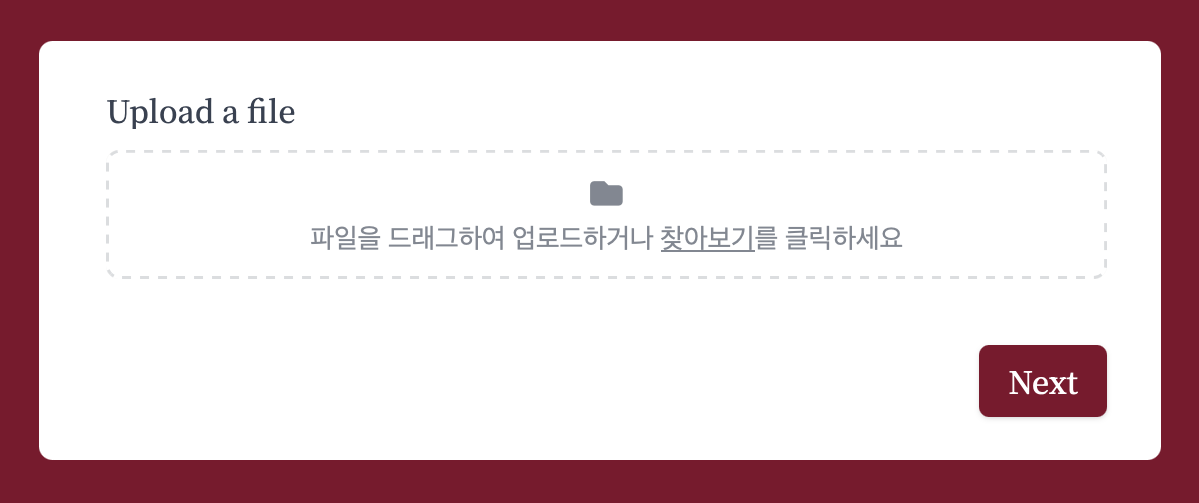
Translate your form
Unlike changing your form’s Default language, which switches it to a single language, translating your form lets respondents access it in multiple languages. Go to your form’sLanguage settings.
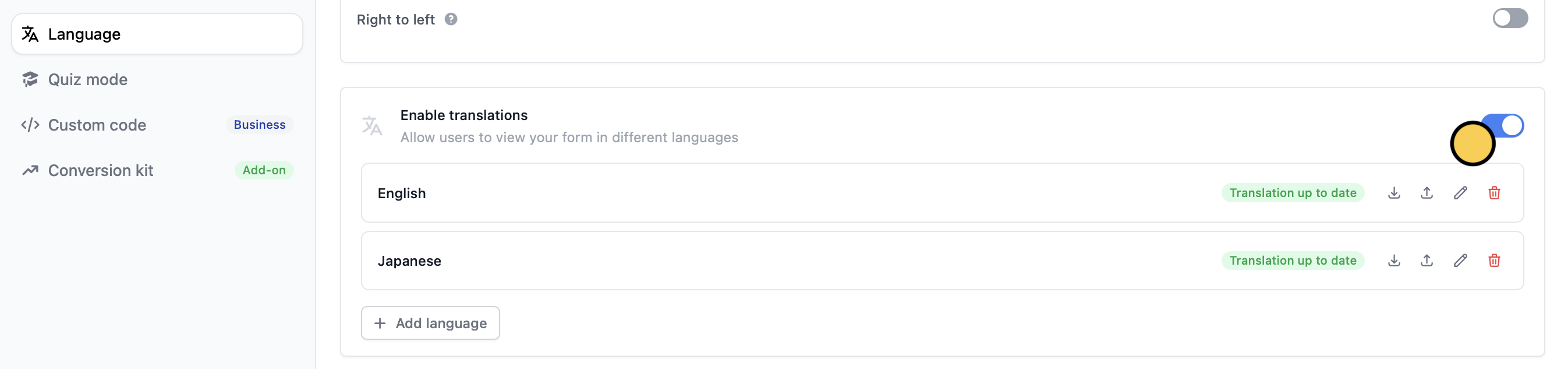
Enable translations and + Add your preferred languages.
The live form only shows translations of text that has been published. If you edit a field after publishing, the live form shows its original-language text until you
Publish the form again. The editor preview still shows your draft translations.Disable Google Translate
Many Chrome respondents have Google Translate on, which auto-translates websites. If you’ve already set your form to your preferred language, you can stop the respondent’s browser from auto-translating the form.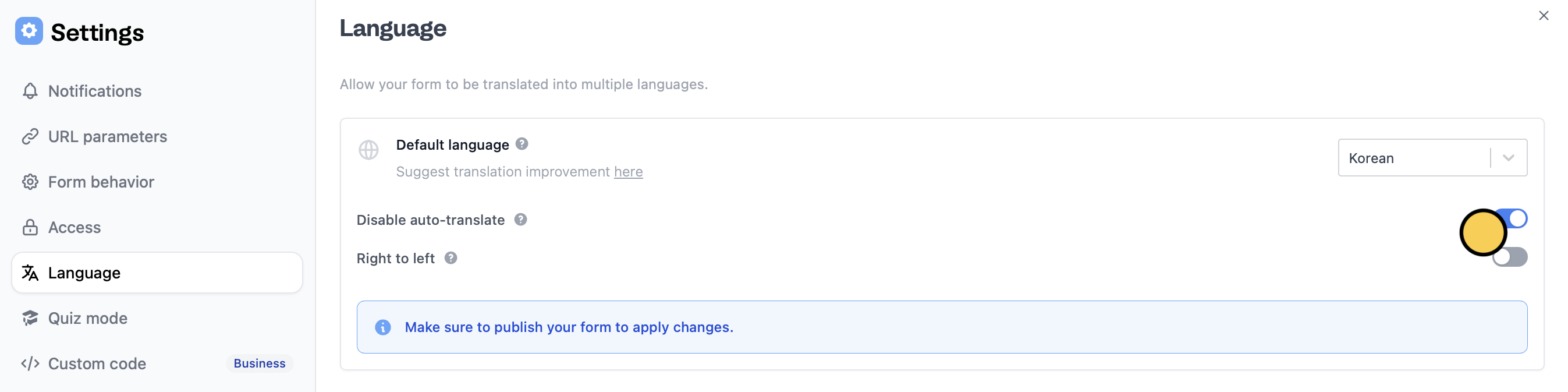
Language settings, Disable auto-translate.