

Want to allow respondents to edit their own submissions? See our guide here.
How to edit responses
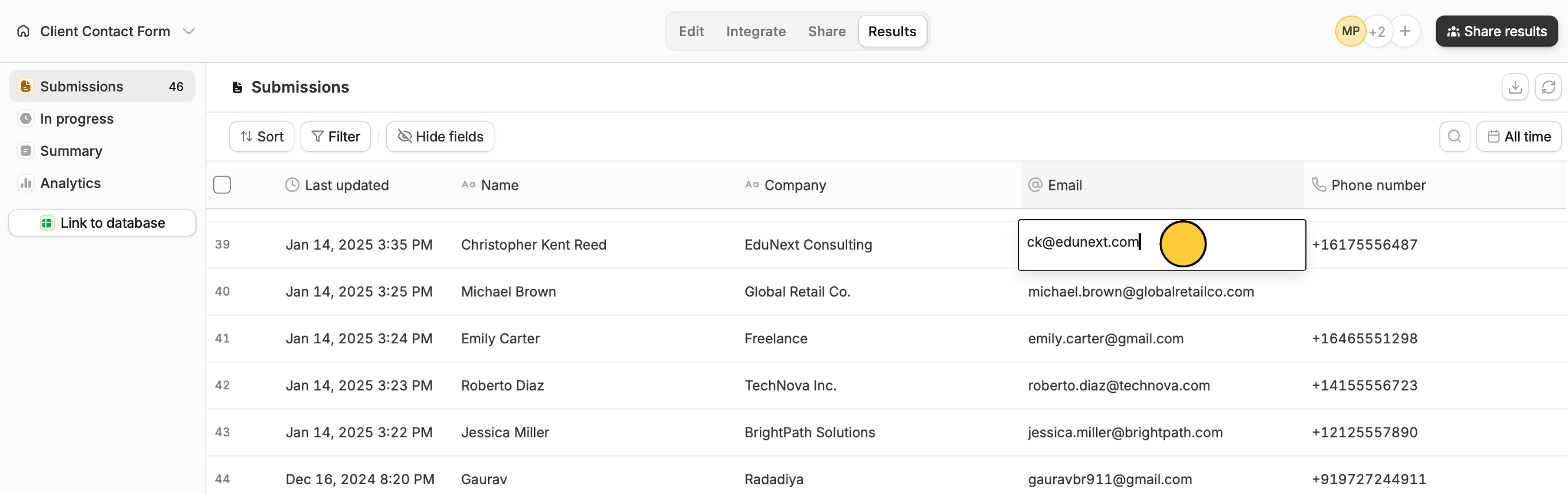
Go to your form’sResults tab and locate the response you’d like to edit. Double-click any field to update or remove its text.
Resubmit form to rerun integration
Sometimes there’s nothing you need to edit, but if your form is connected to an integration that previously failed or has been updated, you may need to resubmit a response instead. To do this, simply right-click on any cell in the response you need toEdit.
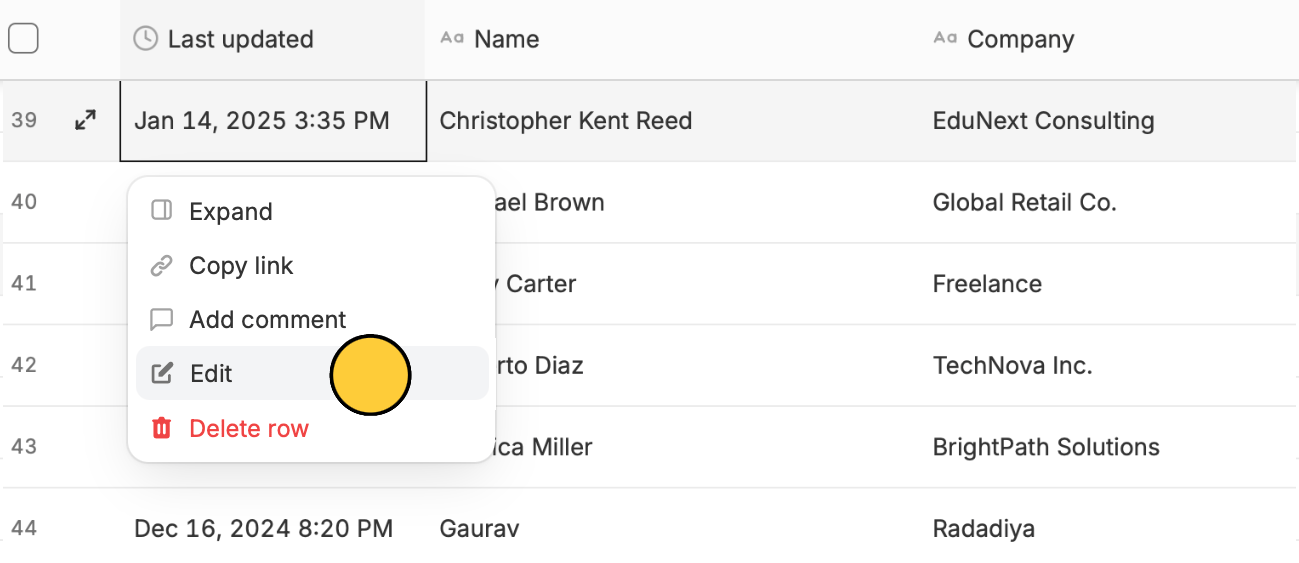
Submit.
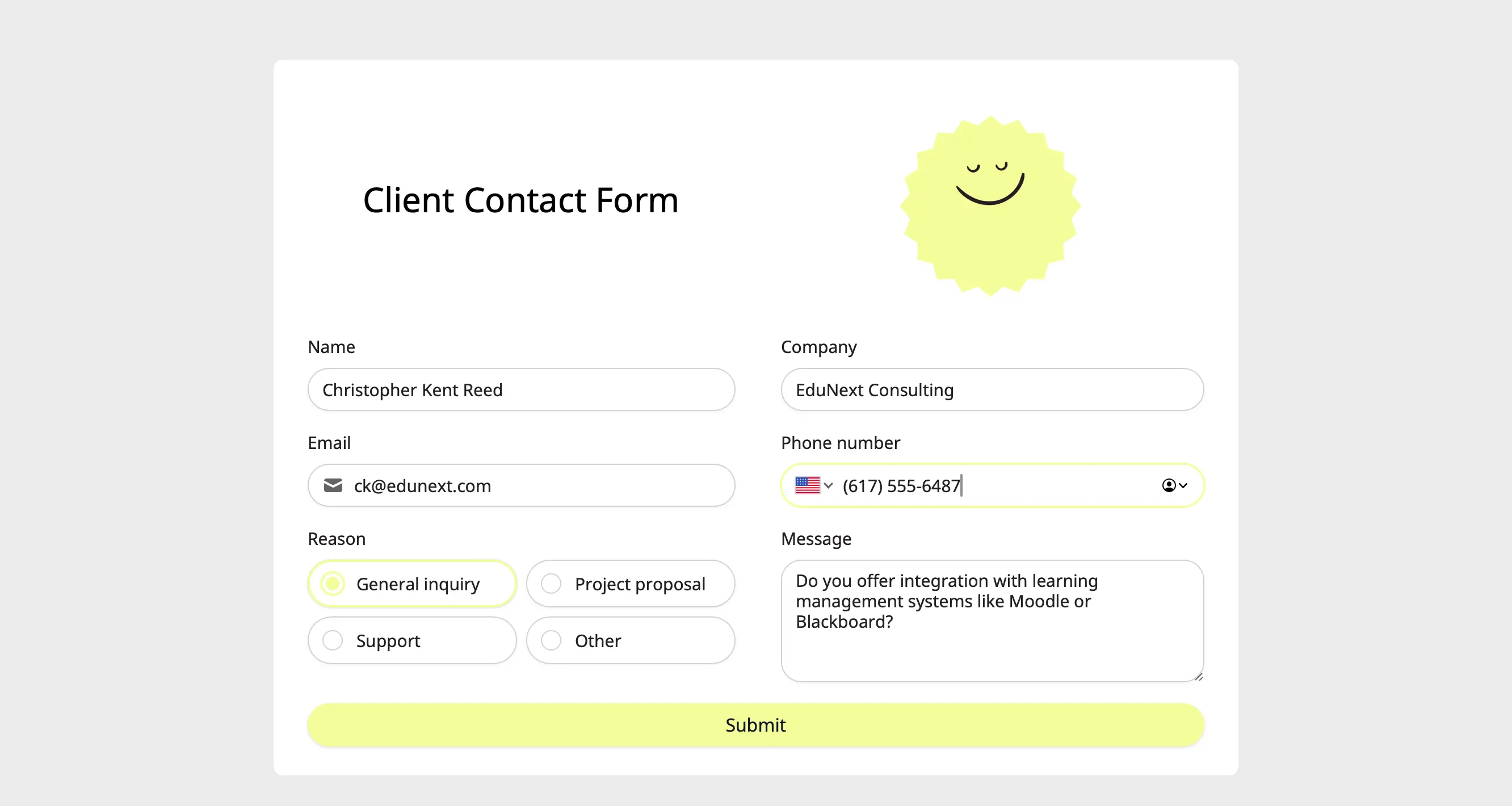
Editing form submissions automatically updates data synced through integrations. This will update existing records in Airtable or Notion, send new alerts on Slack, update Dropbox folders, etc.

eye icon indicates that a submission was made in Preview mode. Since Preview mode is typically used to test how a form works by the form owner or collaborators, these submissions can’t be edited.
Let respondents edit their submissions
You can also send the link of this pre-filled form to the respondent in case they want to edit their answers. Simply right-click on a cell and choose Copy link. Check out other methods here.
Related articles
Partial submissions
Auto-save progress so respondents can resume later.
Invite team members to your forms
View results, and edit forms with free seats.
Let respondents edit their submissions
Keep form responses updated.