

Overview
By default, when respondents finish answering a page, they have to click a button to go to the next page. With auto jump, the respondent is automatically redirected to the next page after making a selection, without having to click a button.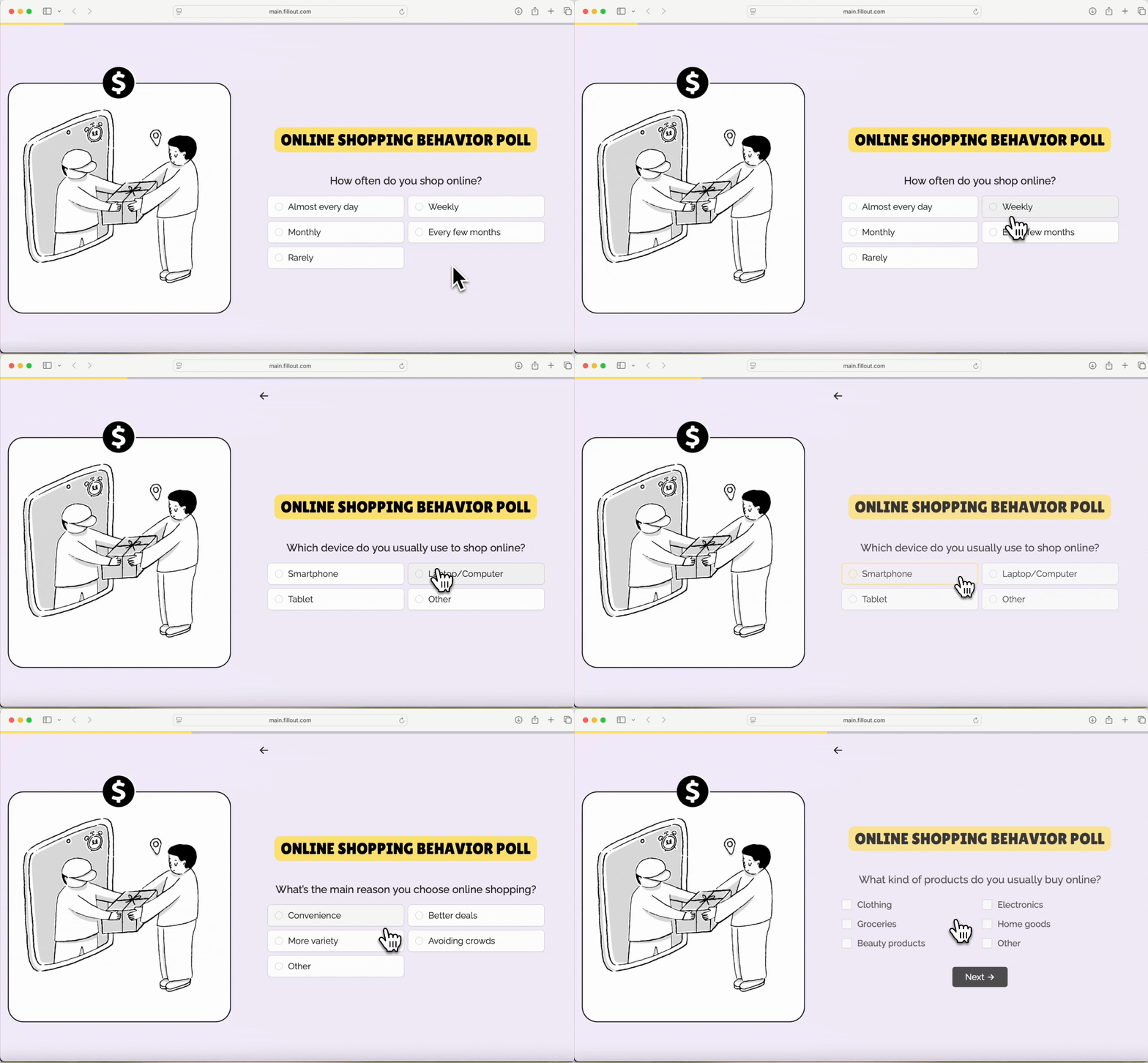
How to enable auto jump
Open your form settings by clicking on the upper right area.
Form behavior to toggle Auto-jump to the next page.
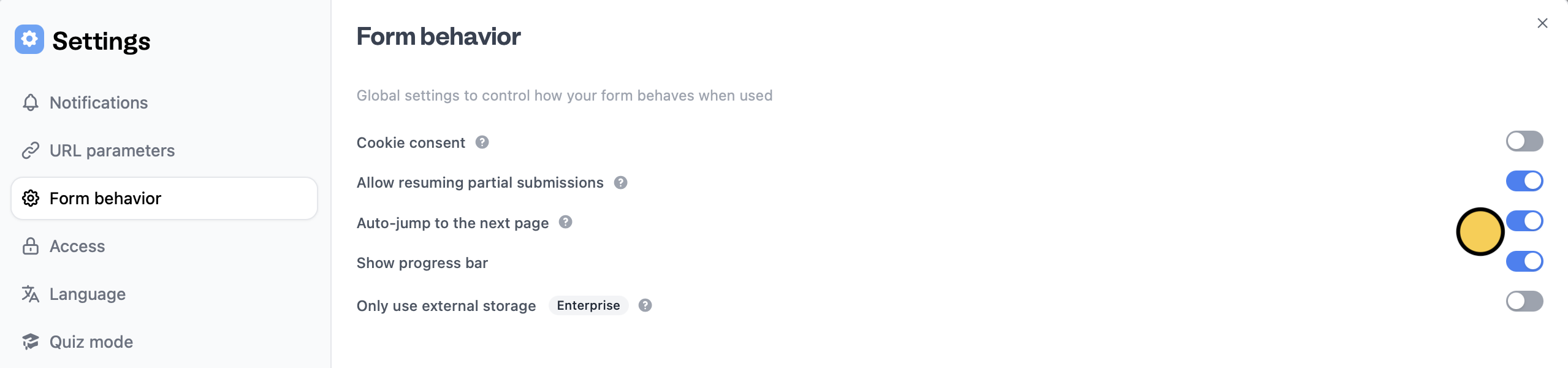
Publish your form to reflect the changes. Now, respondents will no longer need to click a button to proceed to the next page.
Hide buttons
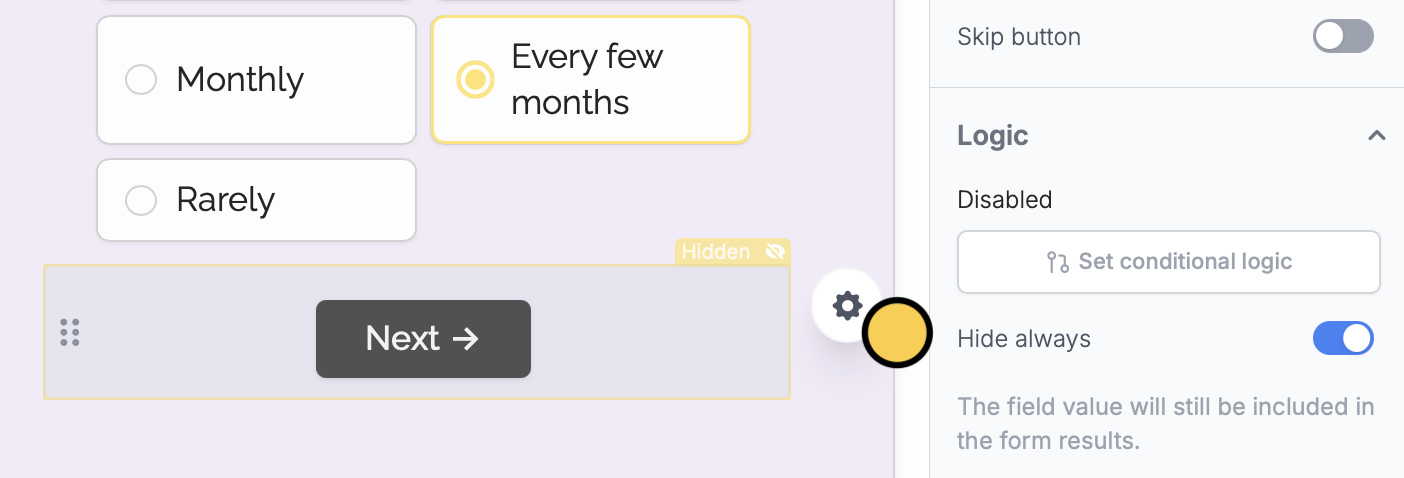
You can also create forms without buttons if you want respondents to focus only on answering. Click the button followed by its to open the right panel. Under Logic, toggleHide always.
Other features to enhance UX
Progress bar
Customize the default progress bar on your form.
Pre-fill fields
Pre-populate fields based on previous inputs and more.
Email notifications
Get alerts for submissions or integration issues.