

How to display PDFs within your form
1
Add a PDF Viewer field
Scroll to the bottom of the left-hand panel and look for the 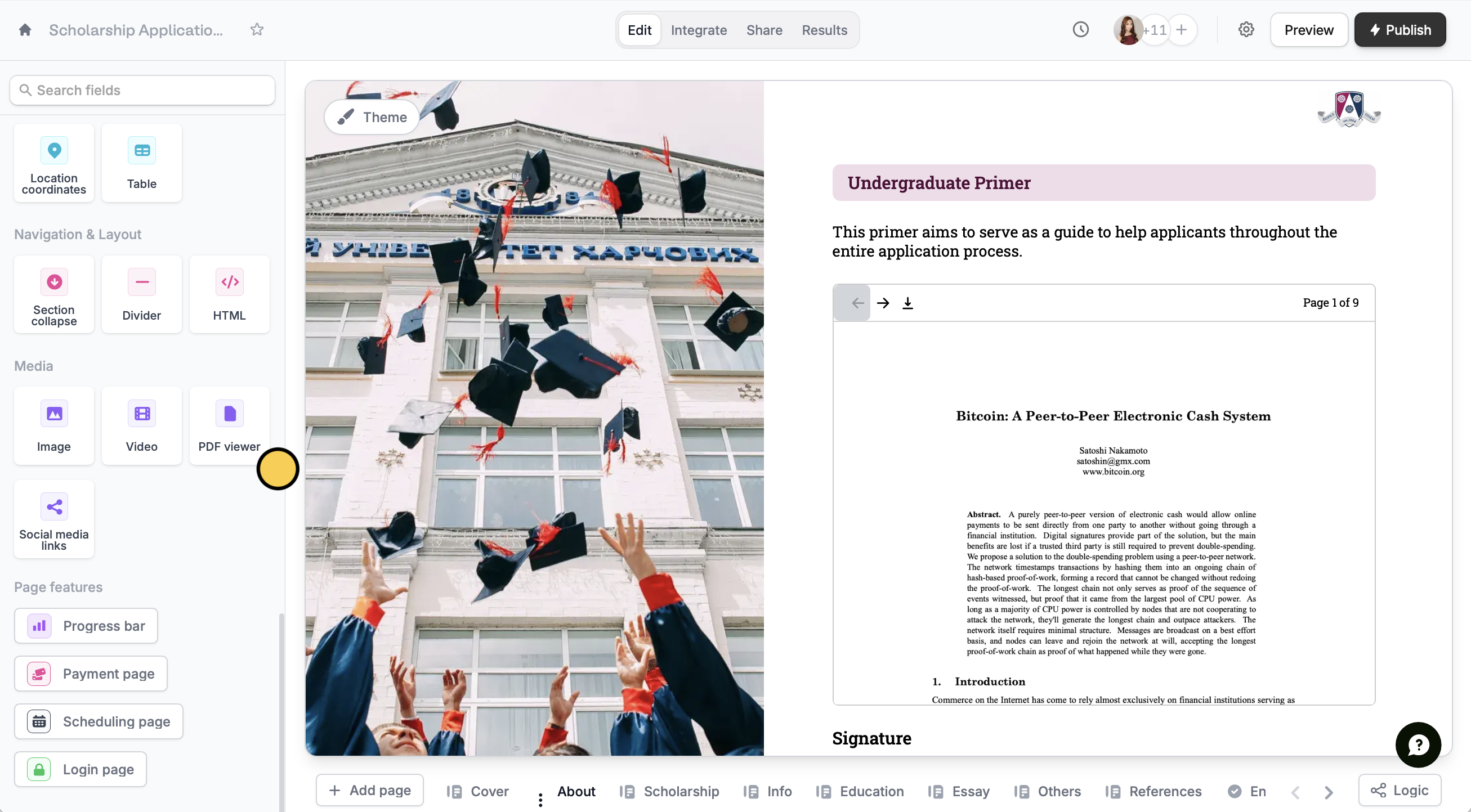
PDF viewer button.This feature is available on Starter, Pro, Business, and Enterprise plans. Learn more about our pricing plans and advanced features here.
2
Upload your PDF
Click on the sample PDF copy, followed by its . In the right-hand panel, Upload or Link a PDF file. You can also change the size of the PDF on your form by editing the Max height.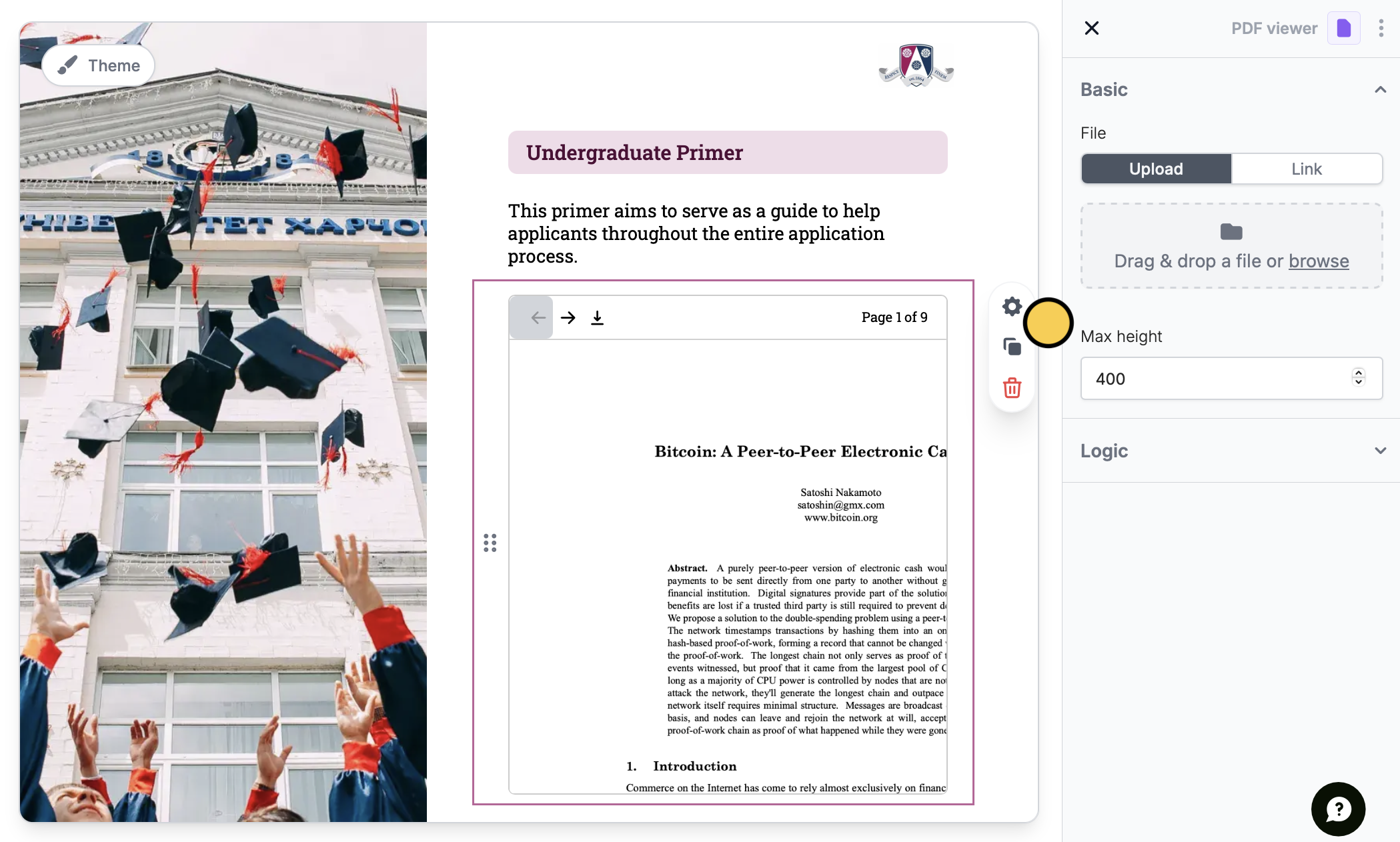
3
Conditionally hide your PDF (Optional)
You can also conditionally hide your PDF to only let it appear based on a respondent’s choices through Logic.
Benefits of embedding PDFs
Support your form with relevant documents, portfolios, reports, and more Attaching a PDF to your form allows you to provide more information about your form’s purpose or content. For example, an interior designer attaching her work portfolio to a client inquiry form gives the respondent a better understanding of her service and expertise. Add consent forms, terms of service, and other types of agreements Let respondents view copies of agreements in your form to give them the information they need. You can also ask for their e-signatures on the same survey or form with Fillout’s signature field type.Related features
Add a banner
Highlight disclaimers, warnings, and benefits, or flag invalid input.
Print a form submission as PDF
Keep hard copies of individual submissions.
Convert online form submissions into PDF
Attach confirmations to emails.