

Date fields vs Scheduling page
Date fields (Date picker, Date time picker, and Date range) collect a date input. Common use cases include:- Asking a respondent’s date of birth
- Collecting project deadlines
- Gathering travel or vacation dates
- Tracking project start and end dates
- Collecting multiple availabilities
This article is about date fields. To know more about scheduling pages, check out this guide.
How to add a date field
In the left-hand panel of your form, drag and drop your chosen date field. You can pick between:- Date picker - collects a single date
- Date time picker - collects a date and time
- Date range - lets respondents select start and end dates in your forms
Date range.
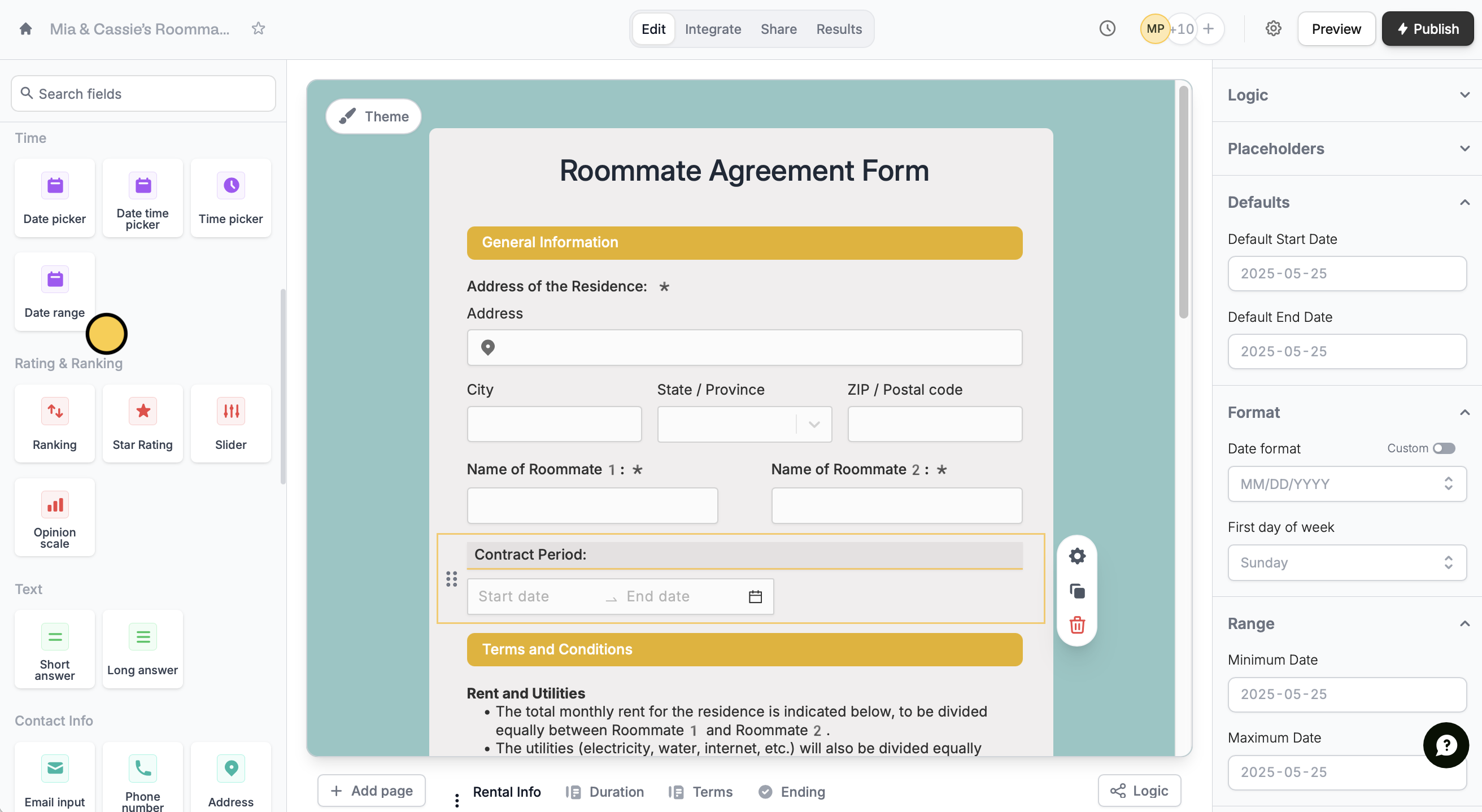
Change date format and settings
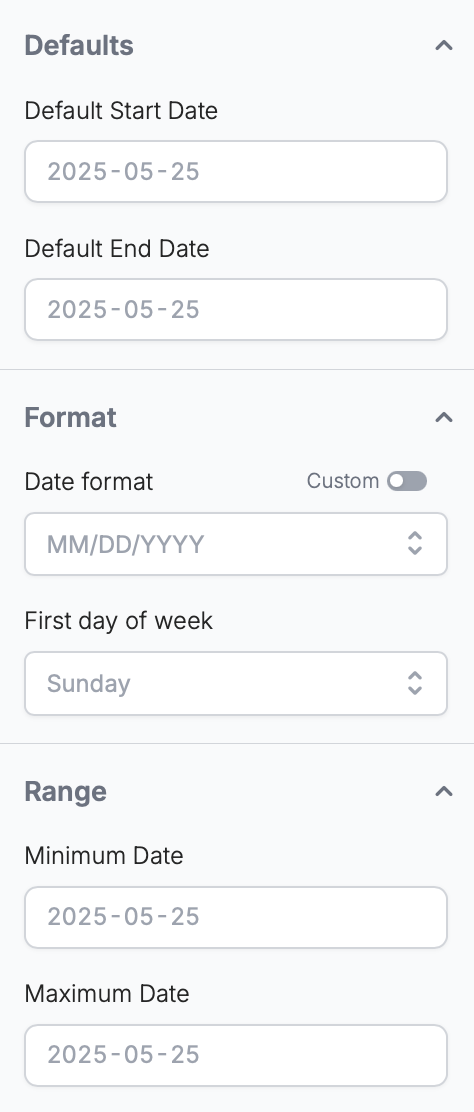
To configure your field settings, click . In the right-hand panel, you can:- Set a default start and end date
- Change the date format and first day of the week
- Add a minimum and maximum range respondents can choose from
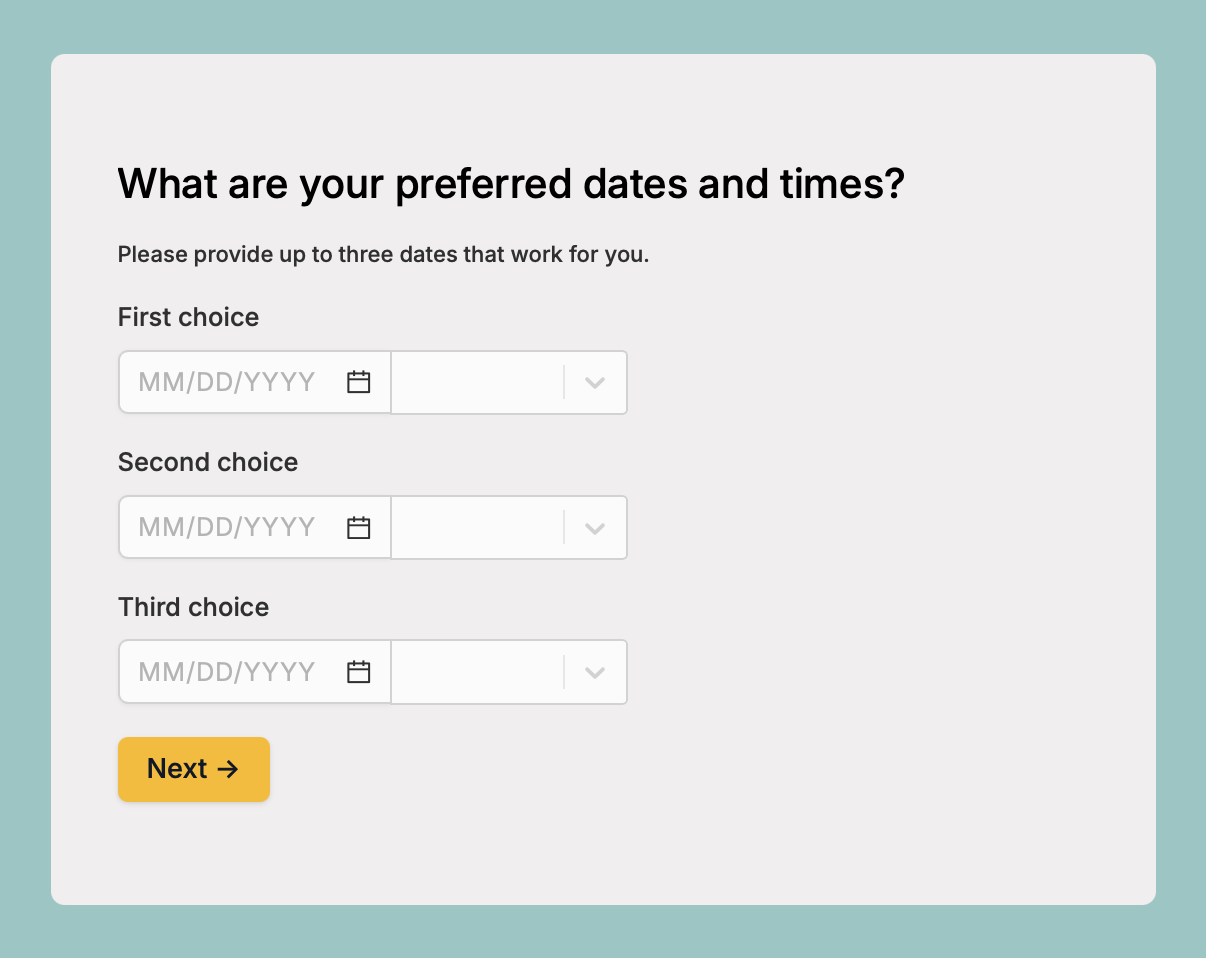
Collect multiple availabilities
To gather several preferred dates and times from respondents, add multipledate fields to your form.
Mapping to Airtable, Notion and other databases
1
Add a Date field
Follow the step above.
2
3
Map fields
Under Mappings, choose the fields you want to save the start and end dates to. Reference your integration fields from the left to Fillout form fields on the right.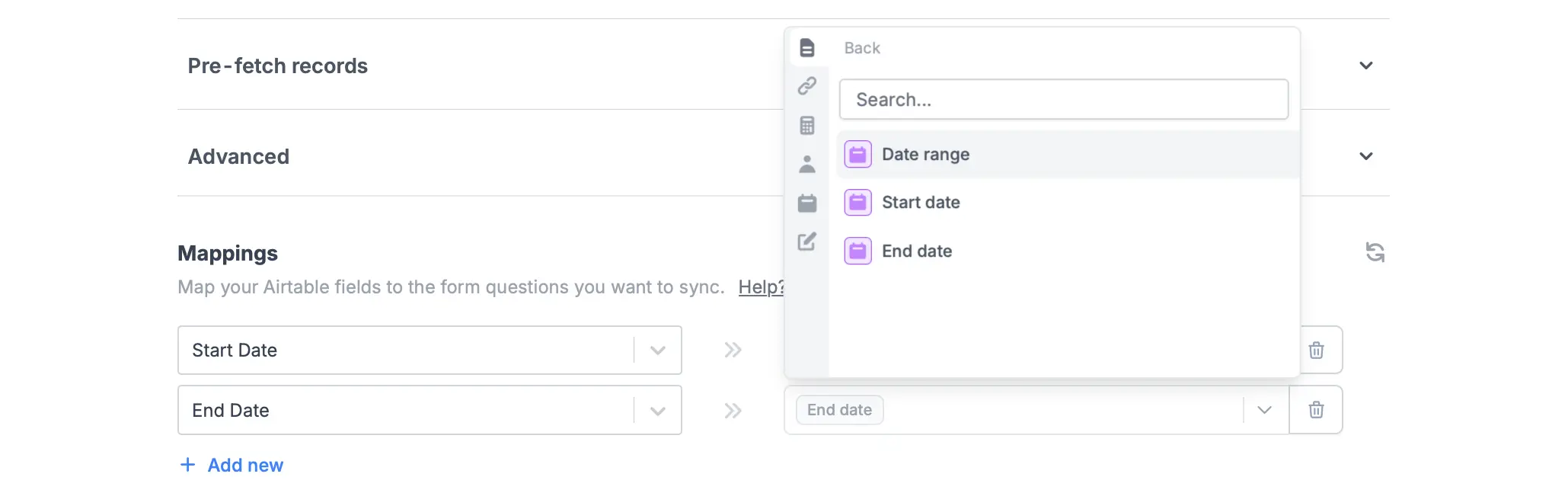
Related article
Pre-fill dates
Set the default value to today, tomorrow, or another date.
Scheduling page
Let respondents book a time slot on your calendar.