

What is Monday?
Monday.com is a user-friendly work management platform that helps teams streamline their tasks, projects, and collaborations.Video tutorial
How it works
1
Link your Fillout form to Monday
Open the Fillout form you want to connect with Monday, then click 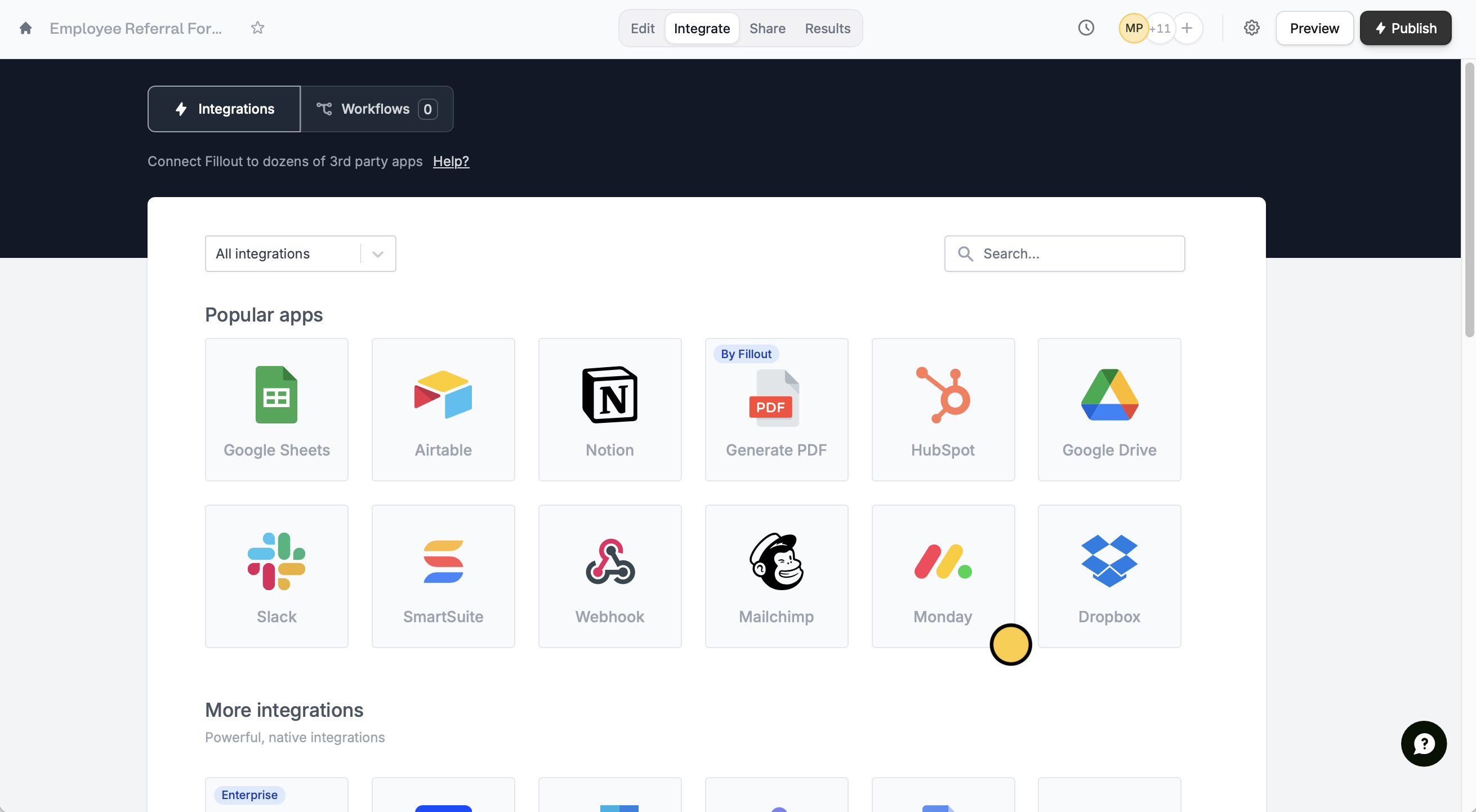
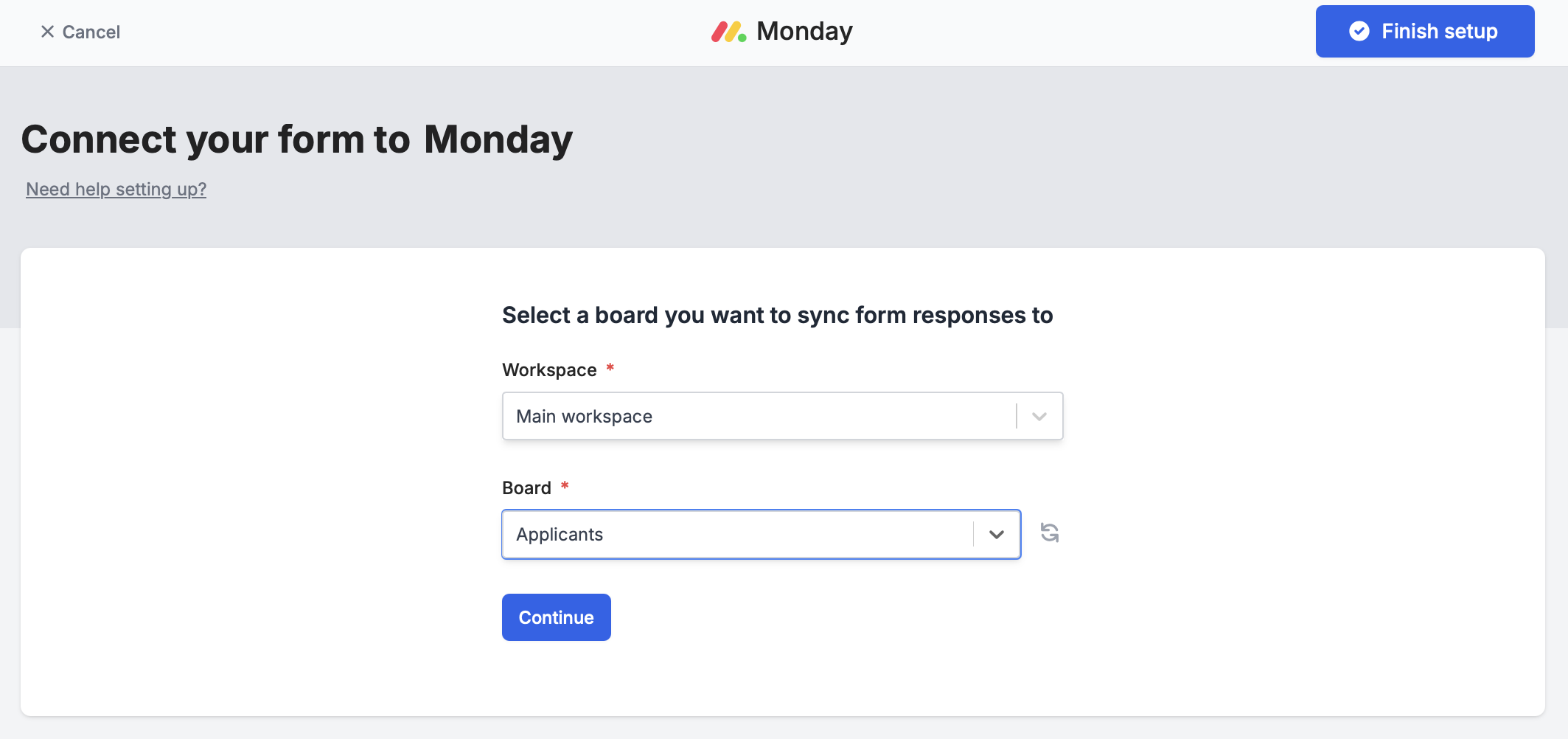
Integrate on the top menu followed by Monday.Name for your Monday connection and your Monday API Key.Then, choose the Workspace and Board you would like to sync responses to.A form can only connect to one database and table at a time. However, Google Sheets is an exception because each new connection creates a new sheet.
2
Map your form fields on Fillout
After finishing the setup, Monday columns will automatically appear as Fillout fields on the form editor. Drag these to your form from the left-hand panel.The Name field is your board’s item name column, so its answer becomes the name of the new item. If you renamed that column on your board, the field uses the new name.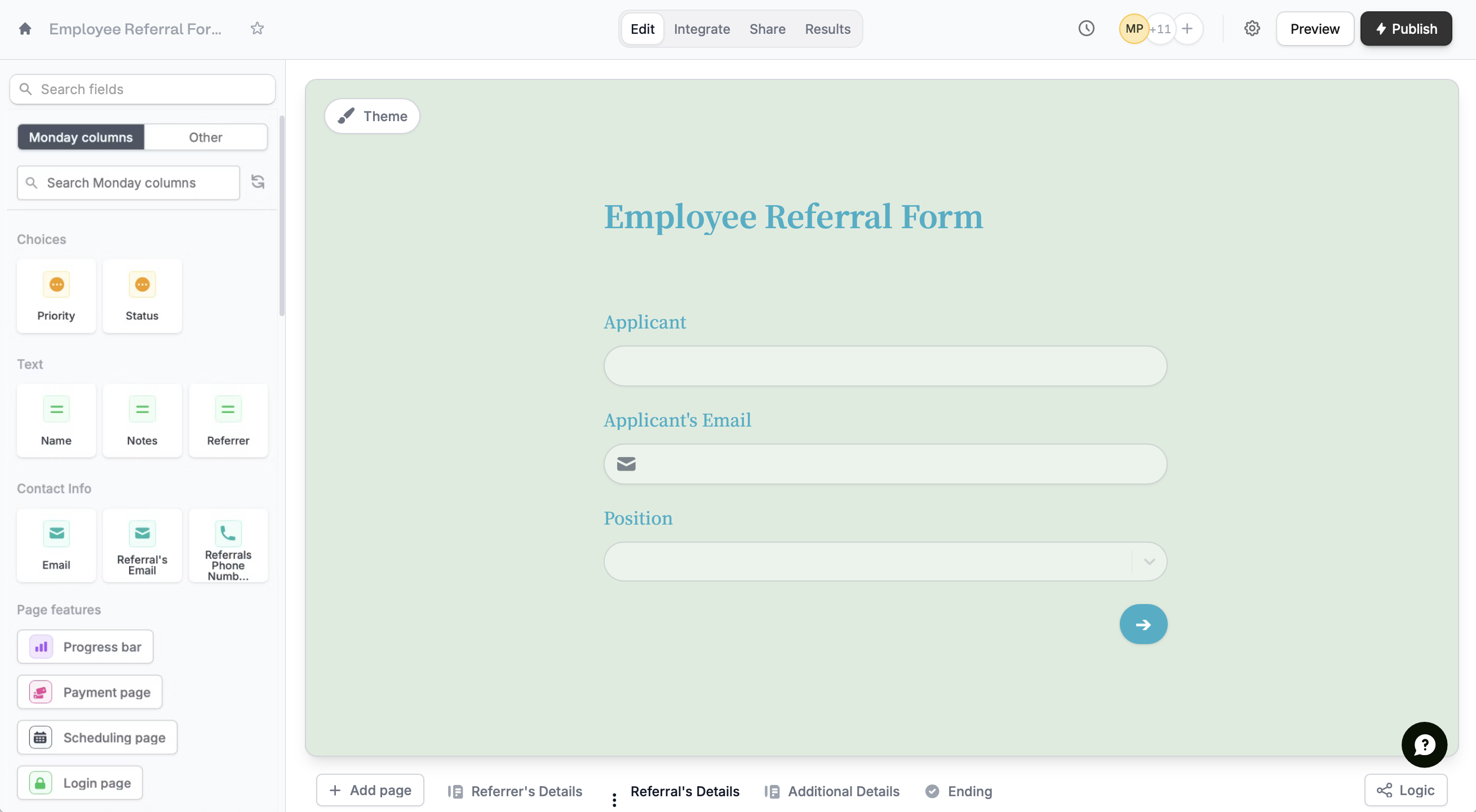
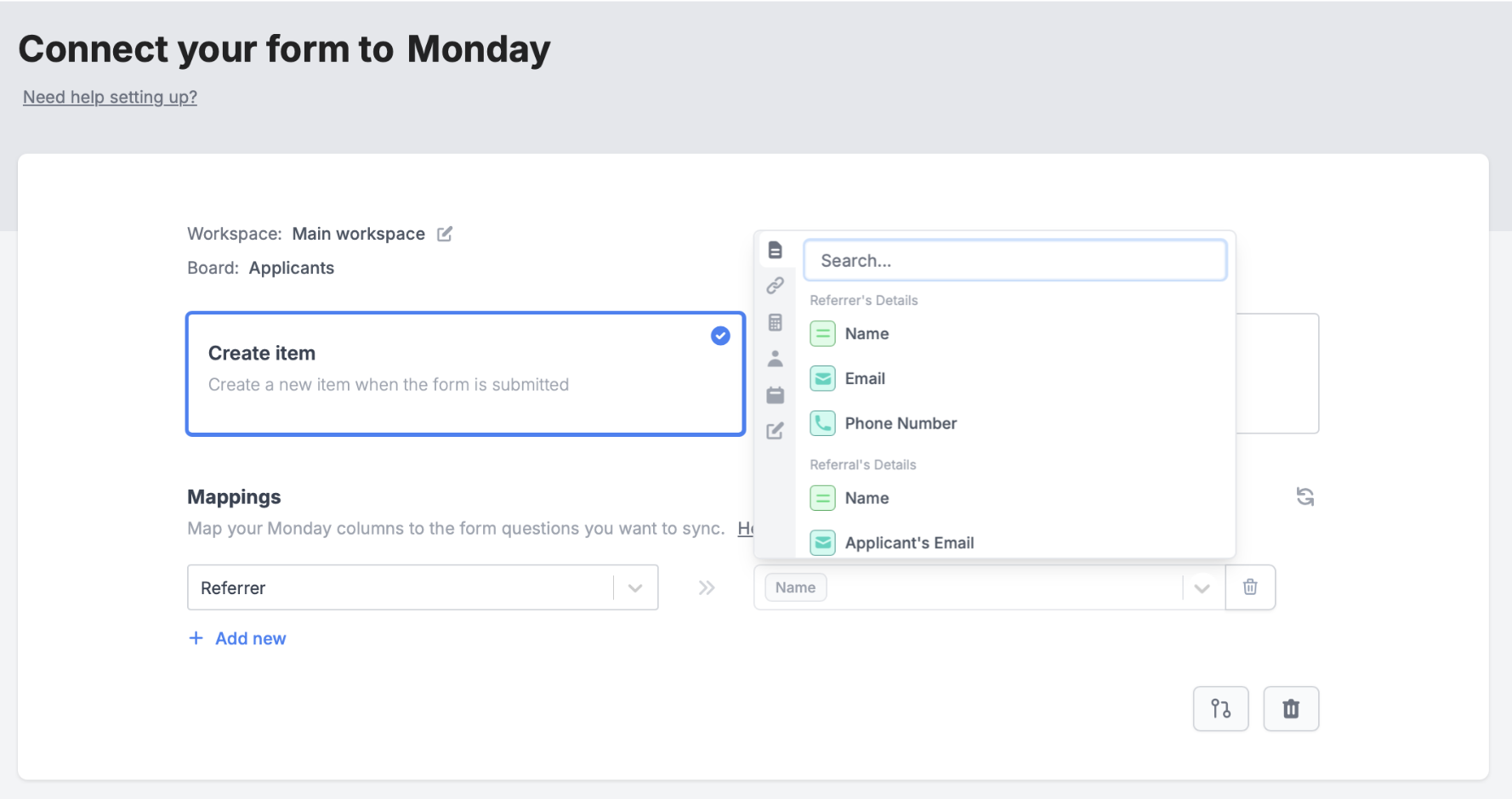
Integrate page and manually map them. + Add new Monday column on the left and select the corresponding Fillout field on the right.In the example below, we will link the referrer column on Monday to the Referrer’s Name field on Fillout.3
Publish and share
Publish your form. Now, answers to mapped fields will appear in the columns of your table on Monday.What the Monday integration can’t do
- Subitems can’t be created. To add related items, use a Connect boards column instead. It shows up on your form as a record picker, and respondents can pick or create items on the connected board.
- People and Team columns can’t be filled in from a form. To let respondents choose a person, add a Status or Dropdown column with their names.
- Country, Location, Tags, Timeline, Week, Vote, Mirror, Dependency and Button columns aren’t supported. Use a Text or Dropdown column instead.
- Formula, Auto number, Item ID, Last updated and Progress columns are read-only. Respondents can’t fill them in, but you can show their values on update forms with answer piping.
- Files are only added when a new item is created, not when an item is updated. Each file can be up to 500 MB.
If you see a “Not authenticated” error
Fillout connects to Monday with an API key. This error means the key is no longer valid, for example because it was regenerated or the Monday user who created it was deactivated. To fix it, copy a new API key from an active Monday account with access to the board. Then open the Monday connection on your form’s Integrate page, click Change API key and paste the new key.Specify a condition
You can run your integration only when a specific condition is met. Check out this guide.Related articles
Update existing items on Monday
Update existing items and pre-fill fields.
Integration logic
Perform an integration only when a certain condition is met.