

Edit account settings
On your dashboard, click your organization name in the upper left corner followed by Settings in the dropdown menu. If you’re inside a Zite workspace, click the workspace name at the top of the sidebar and select All workspaces first.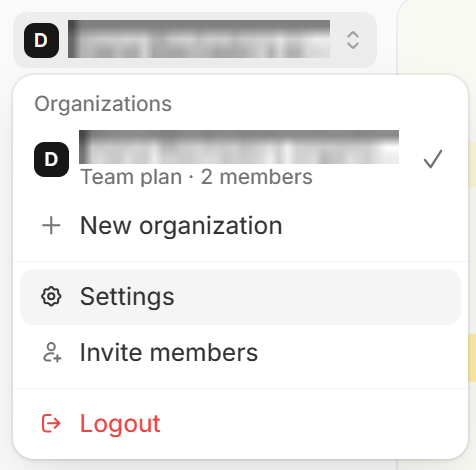
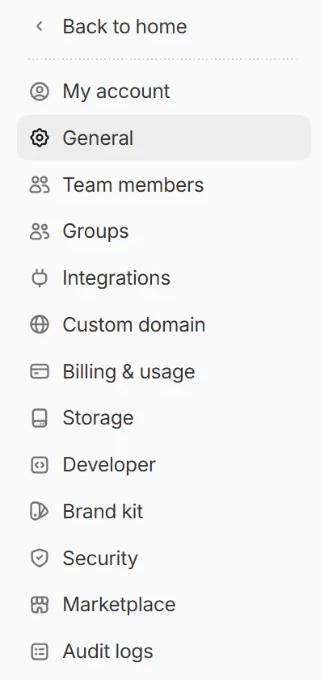
Change account email
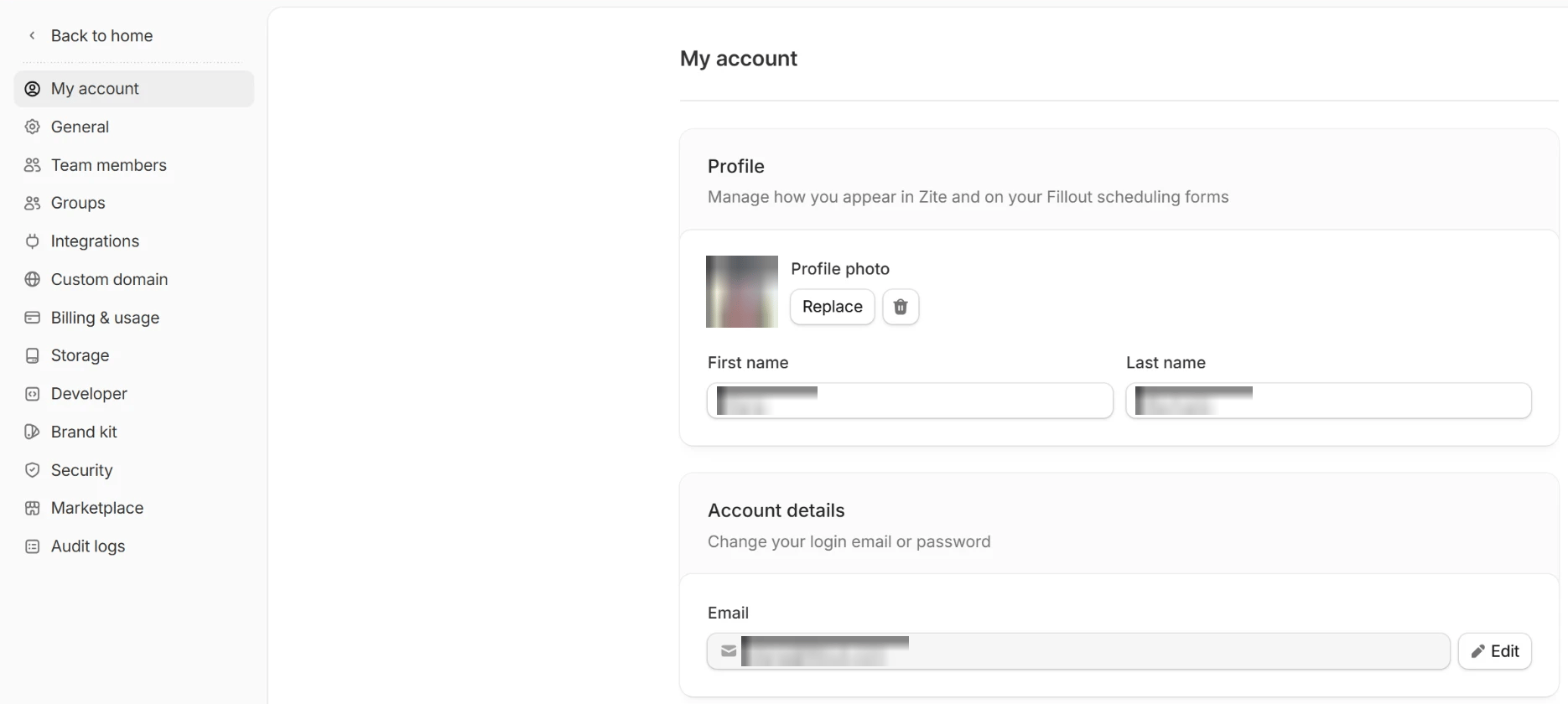
If you want to change the email linked to your account, go toMy account and update your email.
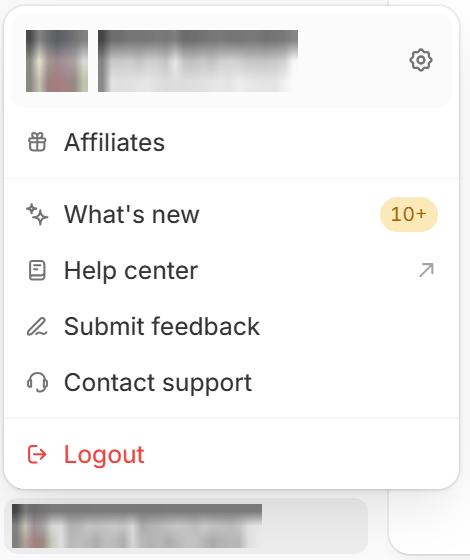
Log out
Click your name at the bottom of the left sidebar, then clickLogout.
Upgrade plan
To upgrade your plan, go toBilling and click Change plan. More info here.