

How to enable respondent notifications
Open your form. Then, click settings in the upper right section.
Respondent notifications.
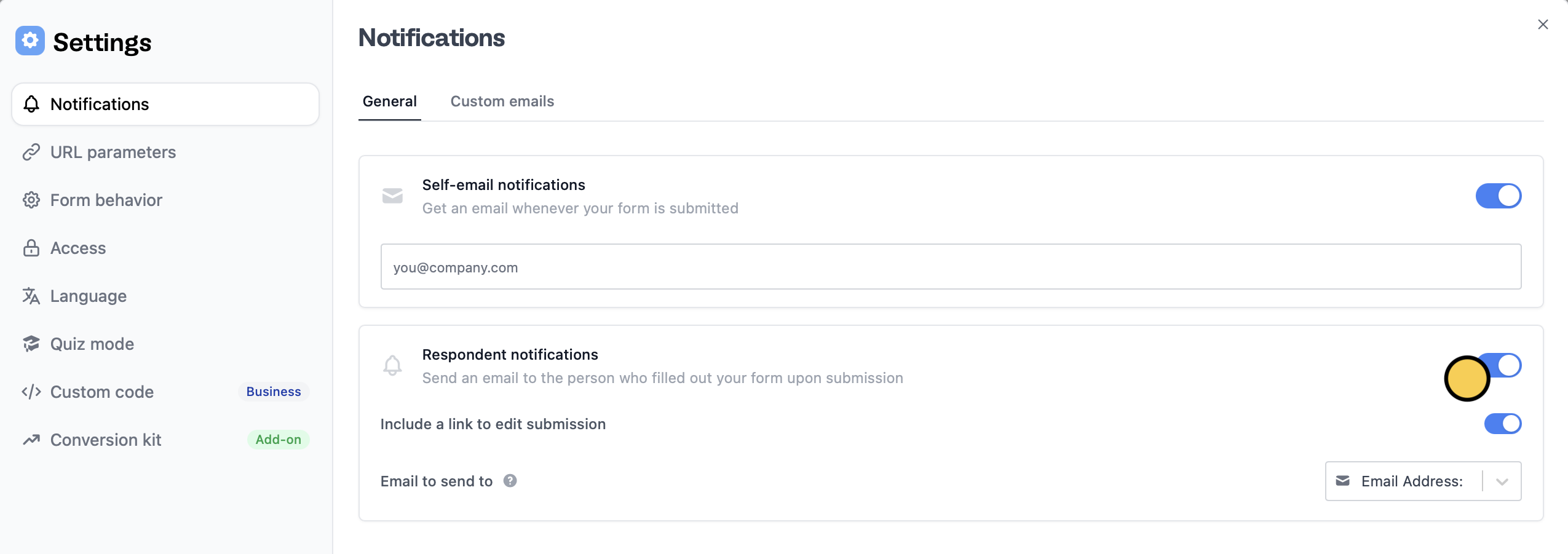
Include a link to edit submission to allow your respondents to revise their answers later on.
That’s it! Respondents will now automatically receive an email notification upon submission containing a summary of their responses like the one below.
Tailor messages depending on the response
You can send a different message to a group of respondents depending on the answers they have provided in the form through Custom emails.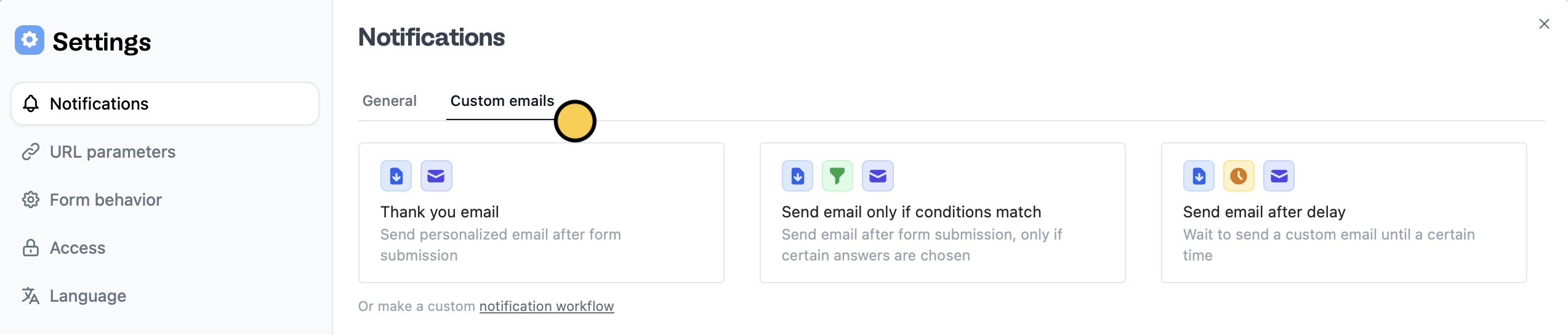
Send email only if conditions match. Check out this quick guide.
Customize email
You can edit the default message and subject, and style its contents. More info here.Related articles
Email your form
Send a form by email to collect info, and track submissions.
Answer piping
Insert previous answers into upcoming questions or fields.
Custom emails
Automate sending, pipe previous answers, and style your email.