

What is Squarespace?
Squarespace is a popular website builder for online portfolios, blogs, and eCommerce shops. The platform includes some built-in form functionality, especially for newsletter signup and product checkout forms, but design options are limited and there are no advanced logic or multi-page options.Video tutorial
How to embed your form
1
Choose an embed style
Start by clicking 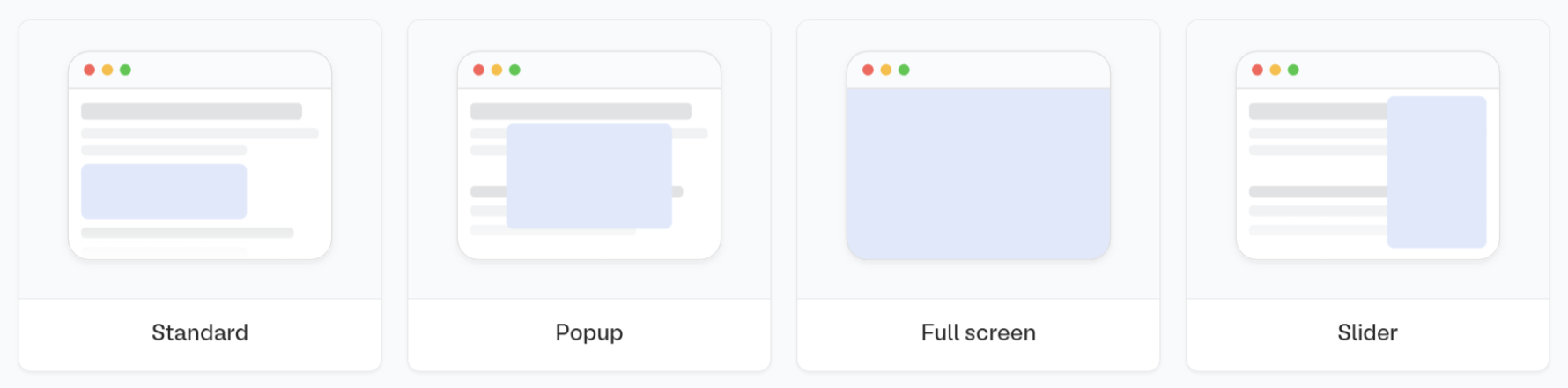
Publish in the upper right corner of the Fillout form editor. A popup will show up where you can pick an embed style.Share in the top middle or top right. Adjust your embed style settings to fit your use case. Then, Get the code.2
Add an embed block
Inside the Squarespace drag-and-drop editor, hover your mouse over the section where you want to embed your form and click 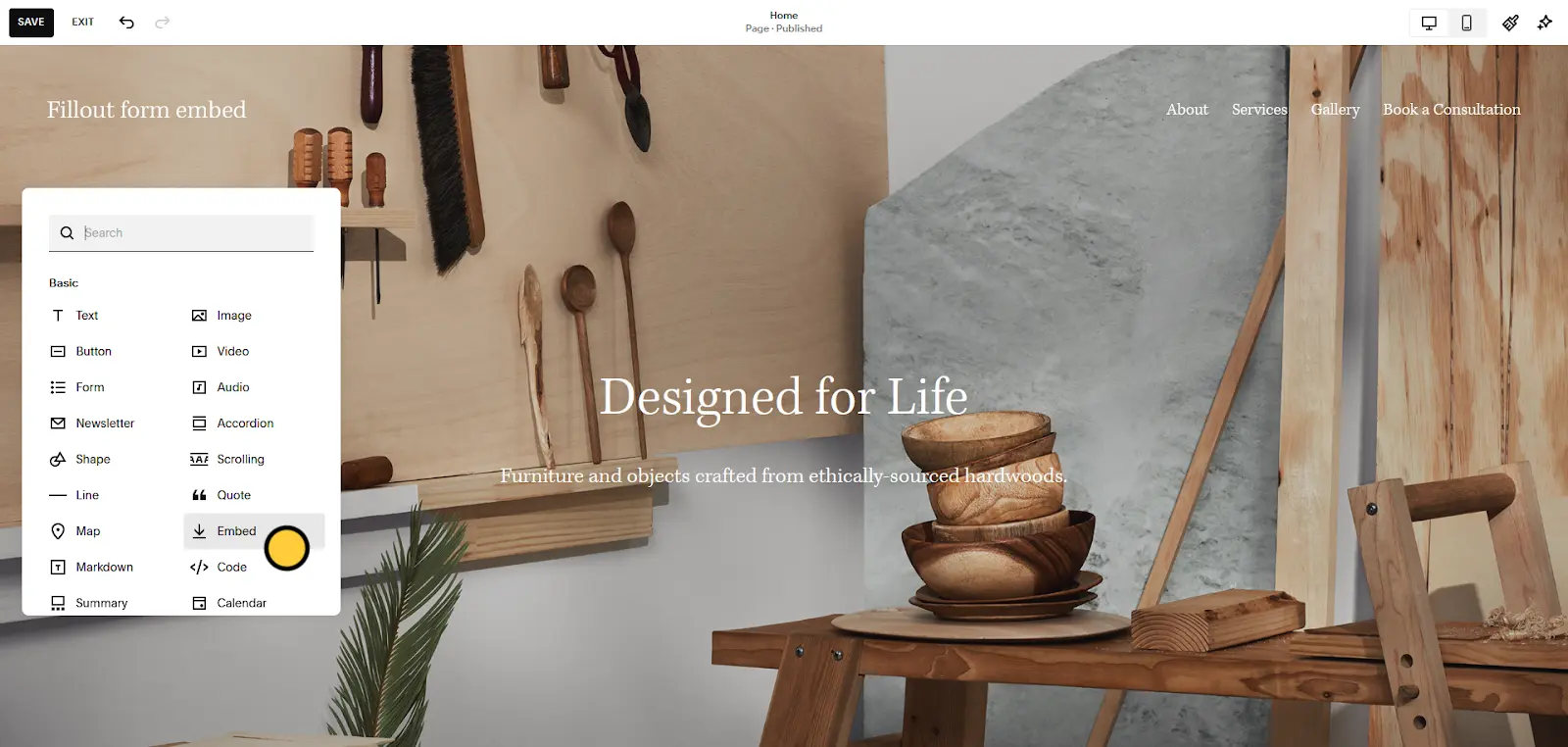
+ Add Block. Scroll to or search for the Embed block and click and drag it onto the page.3
Paste Fillout embed code
Double-click the 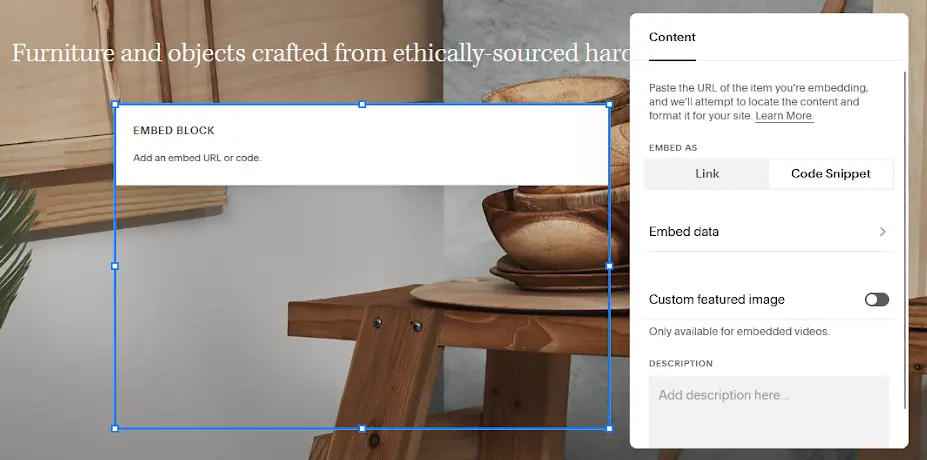
Embed block, open the Code Snippet tab from the block editor, and click the Embed data button. Paste your Fillout embed code into the code editor and click Back.4
Save and preview
Hit 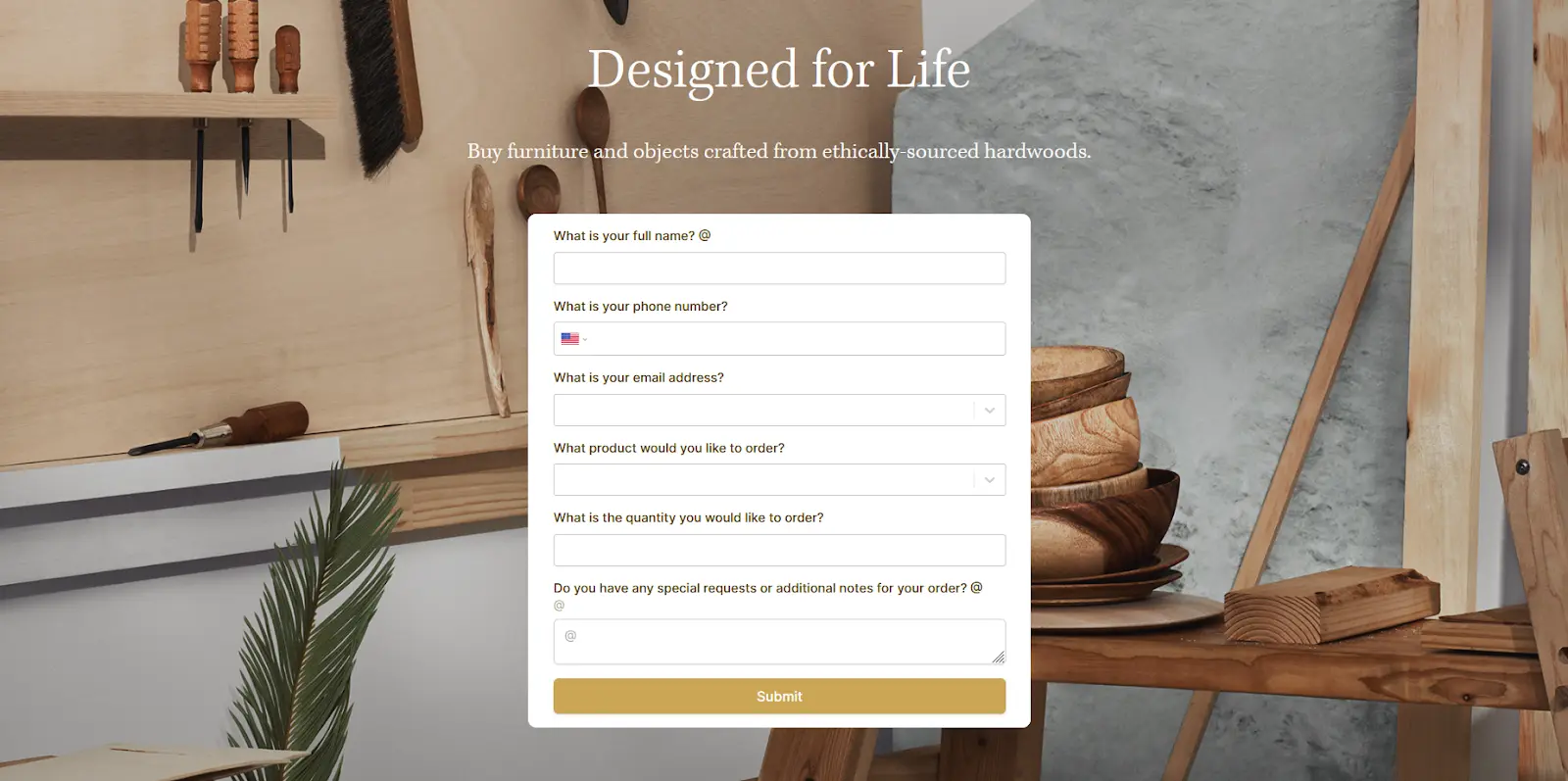
Save in the upper left corner of the page editor and press Ctrl + Shift + P to preview the updated page (or click the button from the site’s Home Menu).Resizing your embed
Certain fields require a 600px minimum height to display properly. If your form includes any of the fields below, the embed cannot be resized below 600px.- Date, Date-Time, or Date Range Picker
- Color Picker
- Visible Captcha (V2)
- Submission Picker
- Record Picker
- Address
- Signature
- Subform
Add a full screen embed
If you’re adding a Full screen Fillout embed to a Squarespace site, you may need to use code injection to prevent the sitewide header and footer from rendering on top of your form.1
Create a blank page
From your site’s Home Menu, open the Website tab. Click + next to either Main Navigation or Not Linked and choose 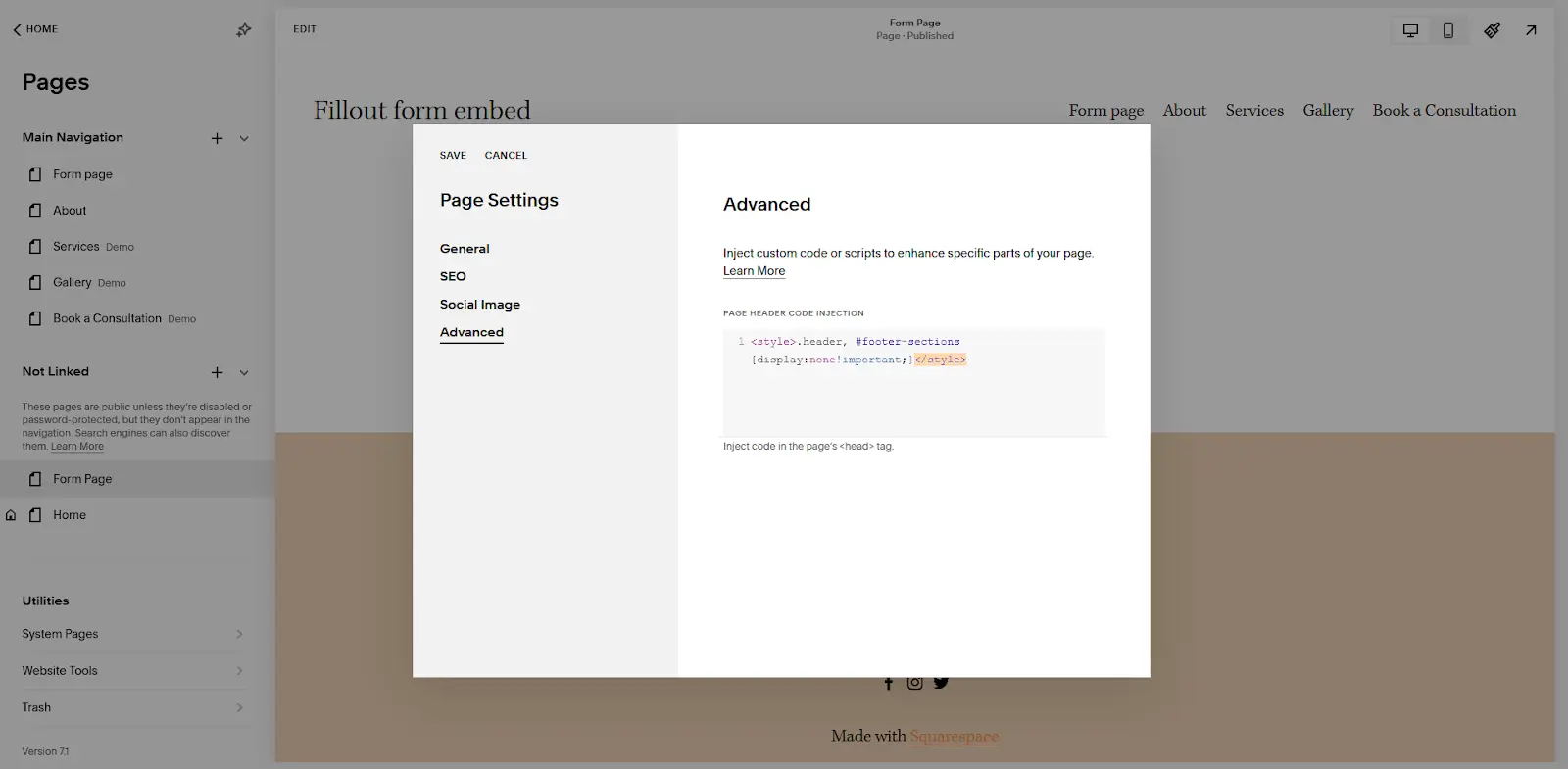
Blank Page.2
Remove header and footer
After giving the page a name, click next to it and open the Advanced tab. Paste 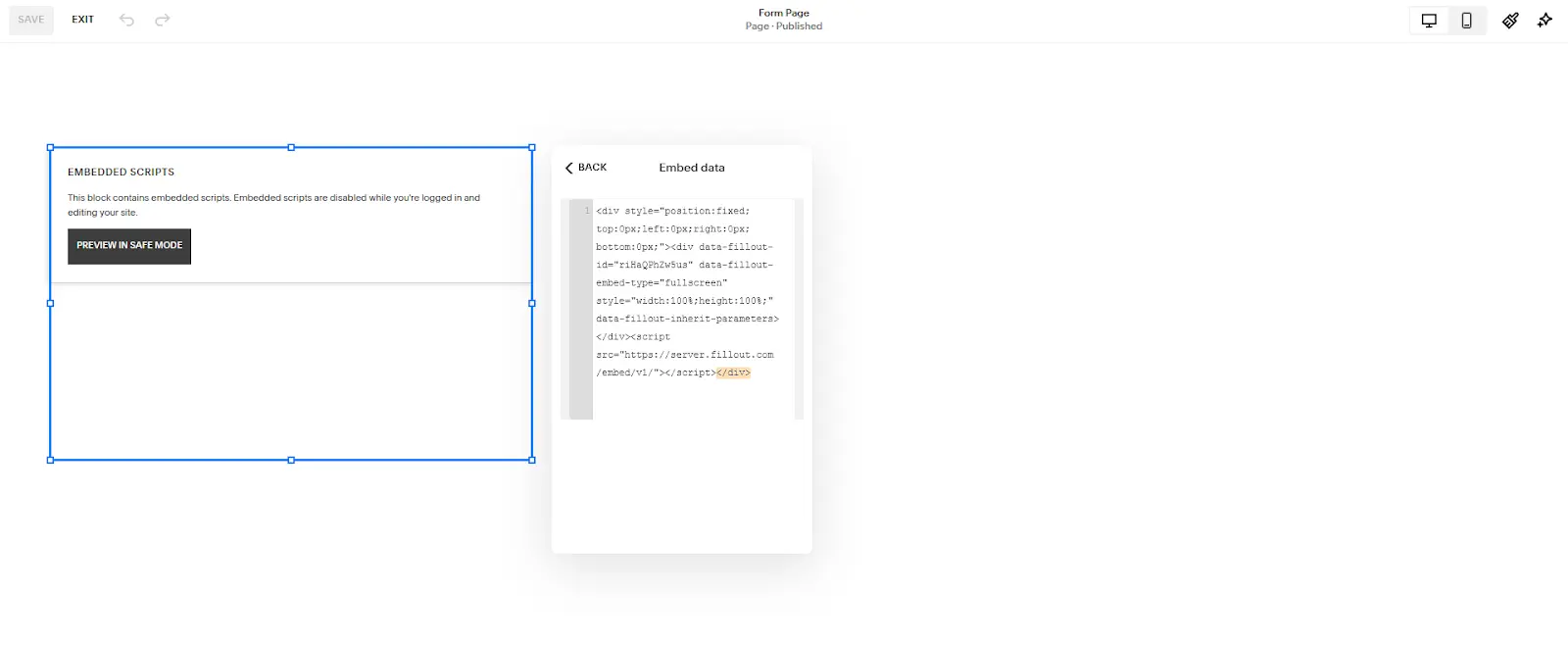
<style>.header, #footer-sections {display:none!important;}</style> into the Page Header Code Injection textbox and click Save.3
Paste Fillout embed code
Now that the header and footer are removed, add a blank section to the page, then add an
Embed block with your Full screen embed code, anywhere on the page.Related article
Share & embed
Share your form by link or embed it on your website.