

How to add a cover page
Click+ Add page followed by Cover. Then, enter the text.
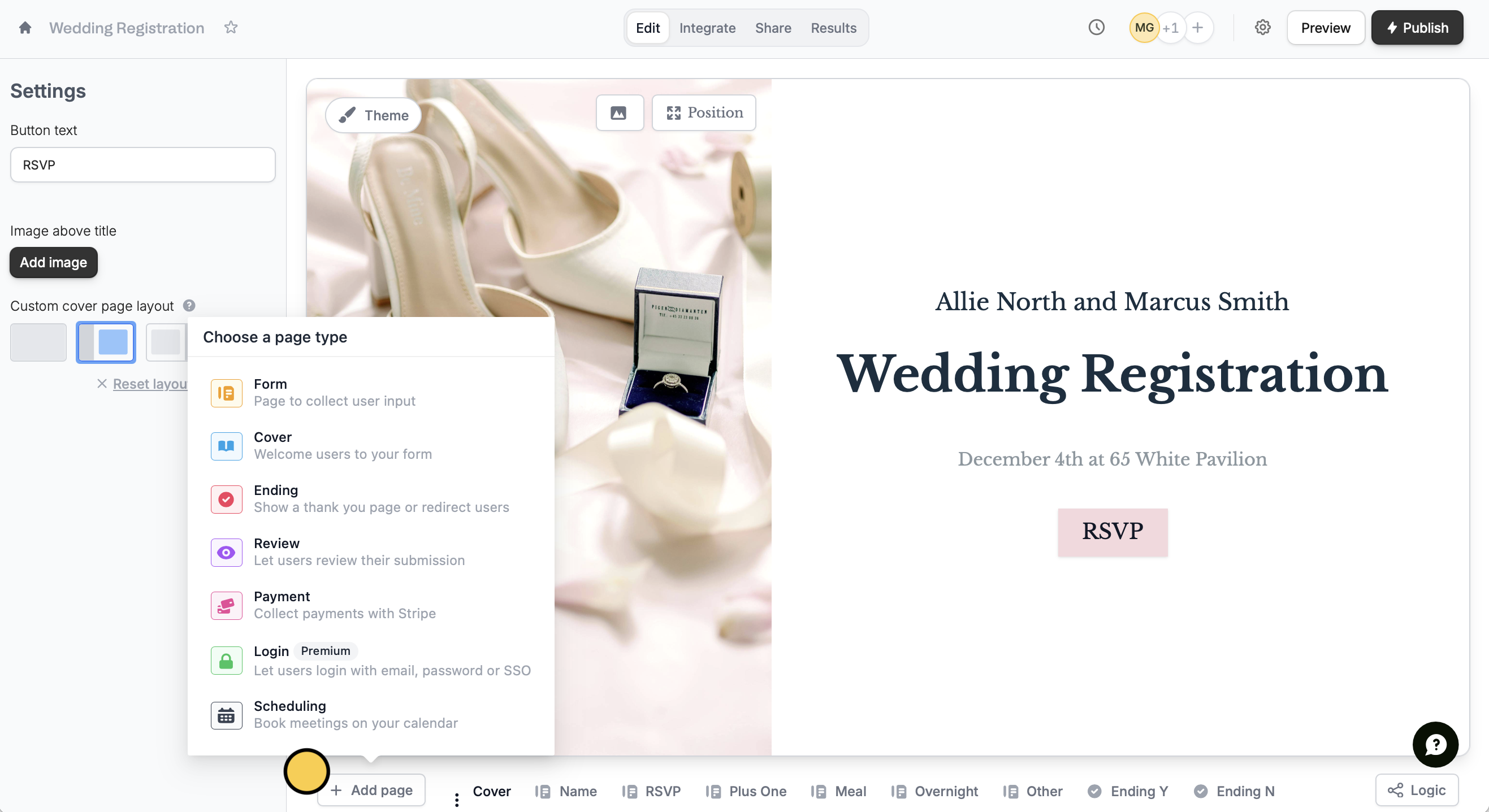
- Editing the button text
- Adding an image above the title
- Changing the custom cover page layout
Theme in the upper left area. Learn more here.
Related articles
Page layout
Change the position of headings, questions, and background image.
Themes
Select from hundreds of themes or create your own.
Add a logo
Add a professional touch and create strong brand identity.