

How to remove the confetti display
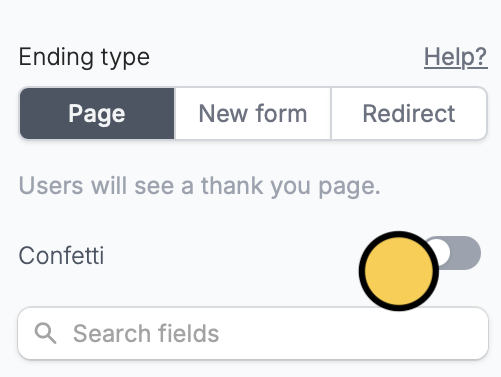
By default, when respondents reach the end of their form submission, confetti will be displayed.
Confetti switch.
Related articles
Ending page
Show a thank you page, redirect, or allow re-submission.
Page logic
Hide or show pages or custom endings based on respondent input.
Progress bar
Customize the default progress bar on your form.