

What is SSO?
Single Sign-On (SSO) is a user authentication service that allows a user to use one set of login credentials to access multiple applications. It enhances user experience by eliminating the need for password authentication for each application. Fillout supports adding SSO login to your forms with Microsoft, Okta, OneLogin, Google Workspaces and other SAML providers. When SSO is configured, you can:- Pre-fill fields and add conditional logic based on your SSO user data
- Let users save and continue their forms later on, even from a different device
- Restrict form access to departments or roles
Note: SSO login is available on the Enterprise Plan. Learn more here.
Setup process
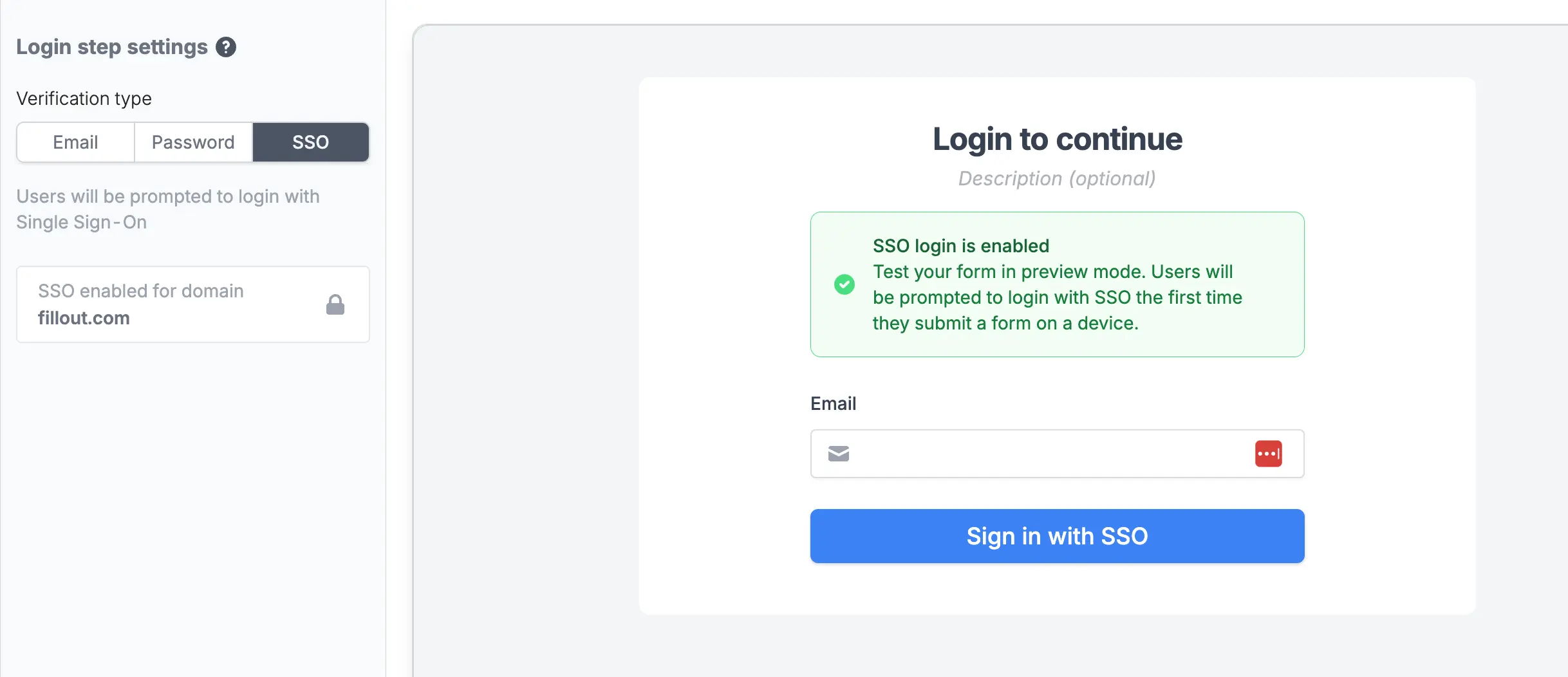
First, configure your single sign-on provider with Fillout. Next, add a login page to your form. Select theSSO option as the Verification type.
Pre-filling fields and conditional logic
You can access the logged-in SSO user anywhere in Fillout, like in default values or branching logic.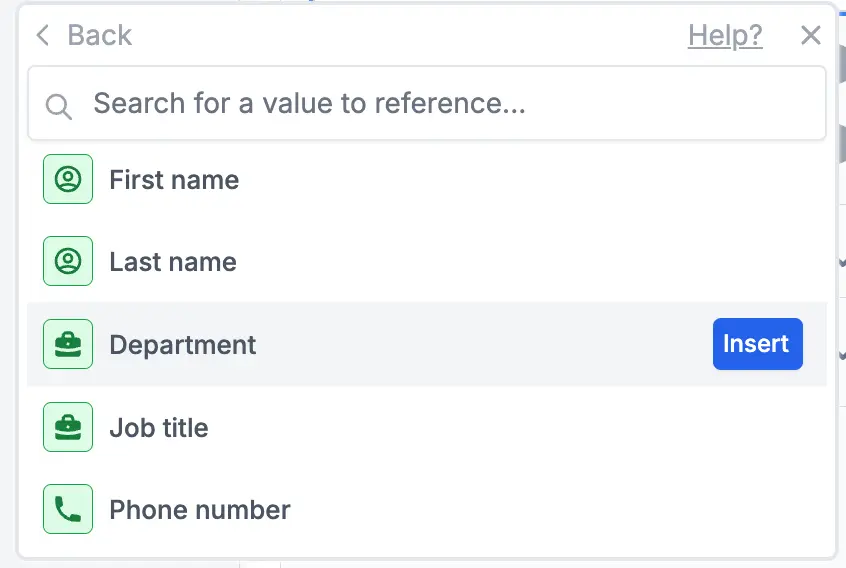
Custom attributes
You can also pull in custom attributes from your SSO provider — like department, role, or cost center — and reference them in your form for pre-filling, conditional logic, and more. Learn more here.Related articles
SSO custom attributes
Use custom SSO attributes like department or role in your forms.
Login page
Require respondents to verify their email, enter a password, or use Single Sign-On.
SAML Single Sign On
Enable SSO through various providers like Okta, Azure AD, and all SAML providers.