

How to sync data
Connect to Airtable
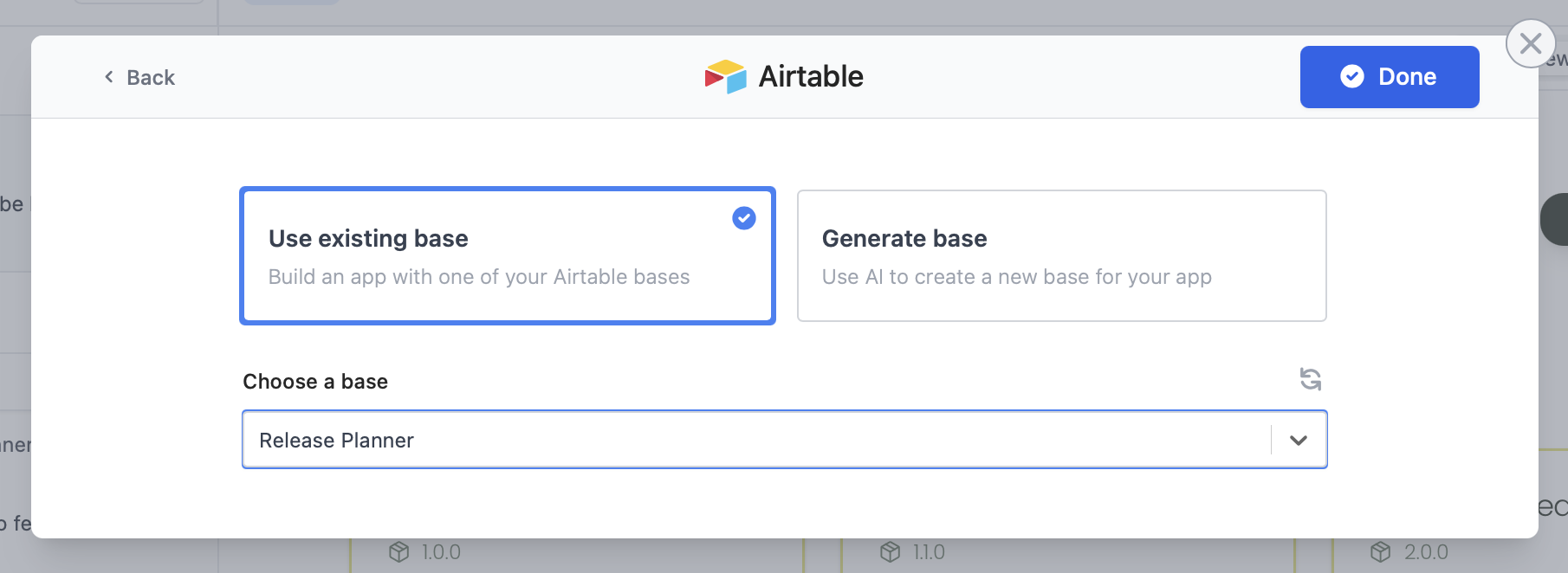
In the chat box, request your app to be integrated with Airtable or click .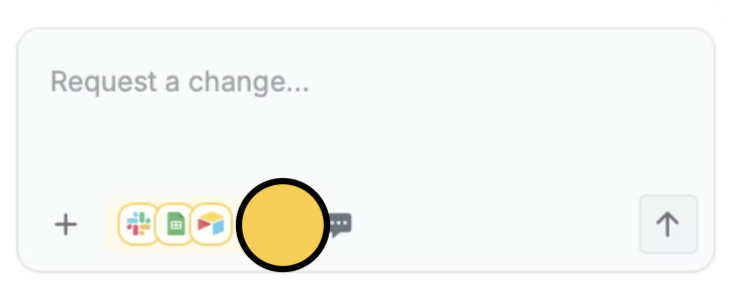
Deploy and share
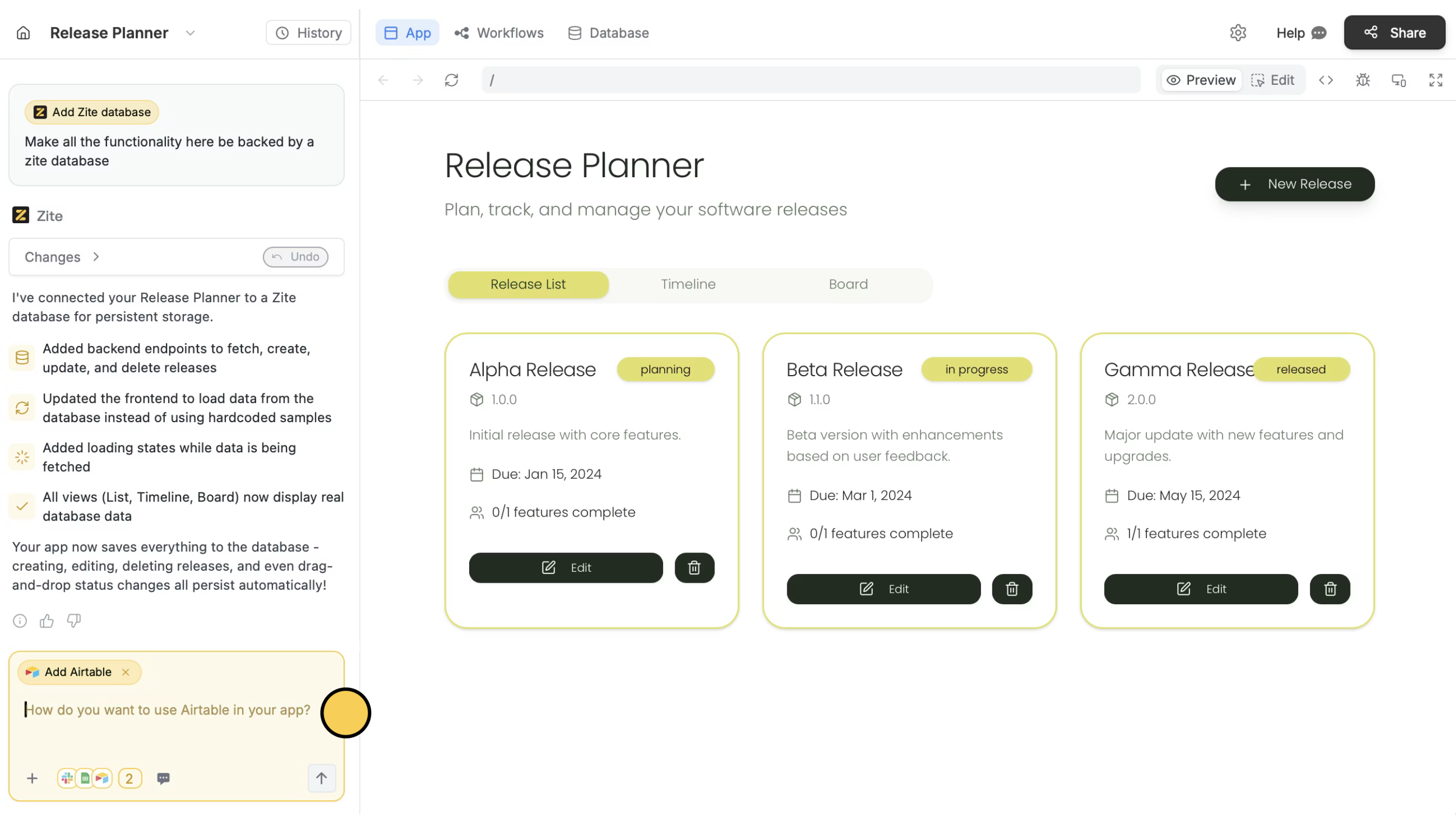
Use the chat box or the respective buttons in your app to ensure everything’s working properly.Click
Publish in the upper right corner to share or embed your app.Modify the theme or style specific elements your app to personalize it or match it with your brand.Common use cases
By connecting Airtable, you can easily build apps for things like:- Inventory Management: Monitor stock levels and new items
- Directory Listings: Store and manage information
- Project Planning: Manage existing and new projects
- Content Scheduling: Track statuses and updates as a team
- Event Management: Monitor guest RSVPs and supplier statuses
- CRM Tracking: Manage leads, clients, or deals