

Build from scratch
Choose blank database
From the dashboard, click 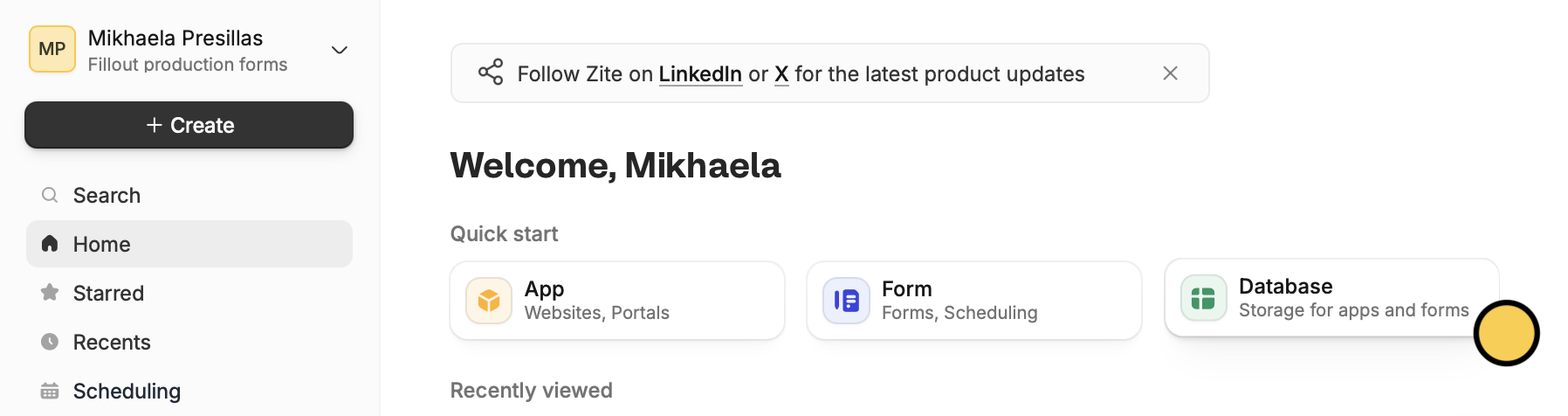
Database followed by Blank database in the popup.+ Create on the upper left corner.Add and edit fields
Click 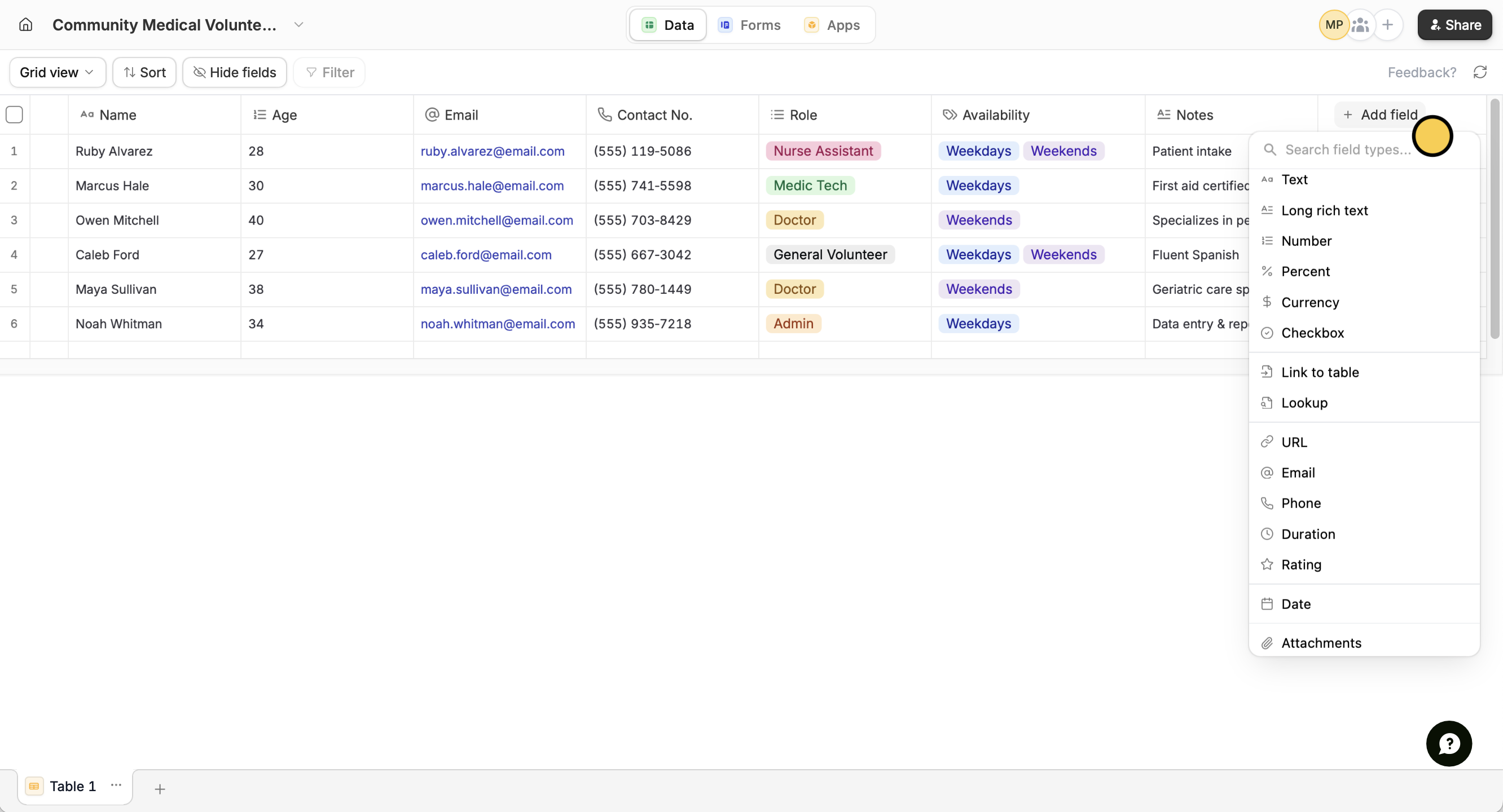
+ Add field beside the rightmost column and use 20+ field types including text, numbers, dates, files, linked records, and more.Build forms and apps
Connect your database to Fillout Forms or Zite Apps through the top menu. Your data syncs automatically.
Use existing data
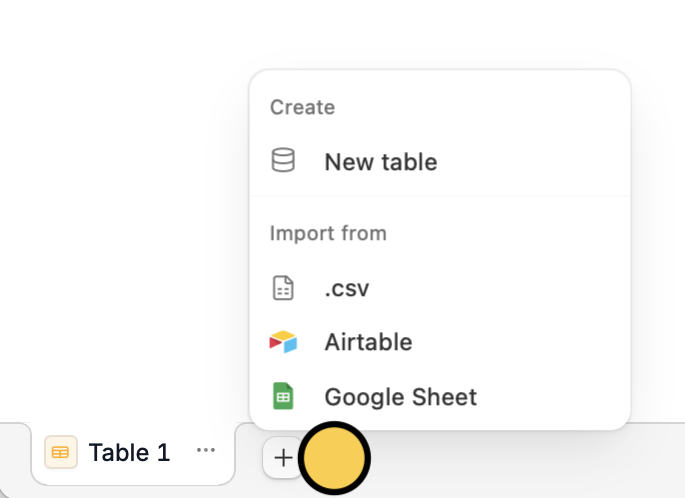
You can use data from tools you already use as a starting point. Simply import from a CSV, Google Sheets, or Airtable. Check out this guide.Related articles
Import to database
Transfer data from CSV, Google Sheets, or Airtable.