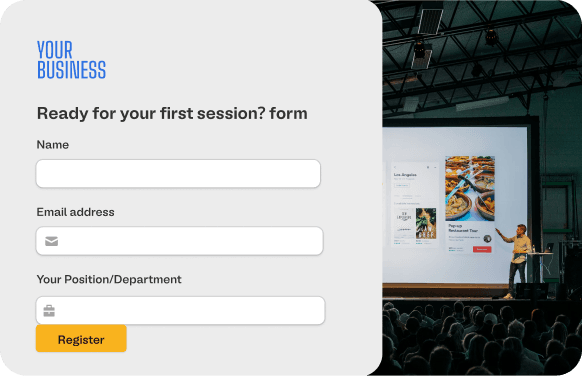
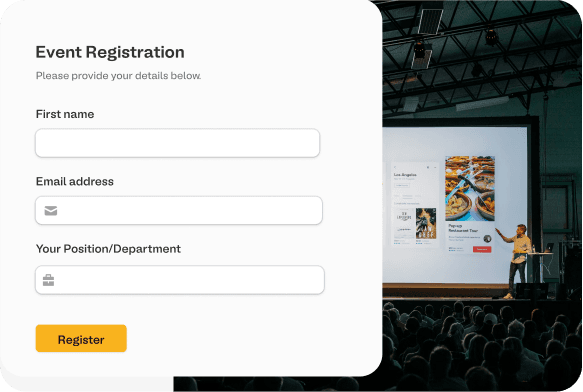
Change the font in Google Form
Google Forms has limited font customization. Import your form to Fillout to use custom fonts.
Fillout uses bank-level security to encrypt your credentials.
Read about Fillout's dedication to data security.
Read about Fillout's dedication to data security.
1
Import your Google Form
Click "Sign in with Google" to import your Google Form.
2
Choose your desired font
Fillout offers a variety of fonts - or you can upload your own.
3
Publish and share your form
Click "Publish" to get a link to your form. That's it!
What is Fillout?
Like Google Forms, Fillout is a form building tool. Fillout includes a lot of additional features, like powerful integrations, templates designed to increase conversions and much more.
Fillout is completely free for up to 1000 submissions/month.
Fillout is completely free for up to 1000 submissions/month.


How can I change the font in Fillout?
In Fillout, open the theme editor and select "change font". Either upload a custom font or choose one of the available fonts.
Style your Google Forms
Upgrade the look and feel of your forms with the advanced customization options in Fillout.